We provide clients with two account environments:
Sandbox - Your onboarding, training and testing account: https://sandbox.aimsio.com
Production - Your live account, for all real-world projects: https://portal.aimsio.com
Bookmark these URLs in your browser for quick access to Aimsio
Create User Accounts
Before teams can login, they’ll need user accounts.
Review our Product Guide on Users to learn how to create new users.
How to Login from Aimsio.com
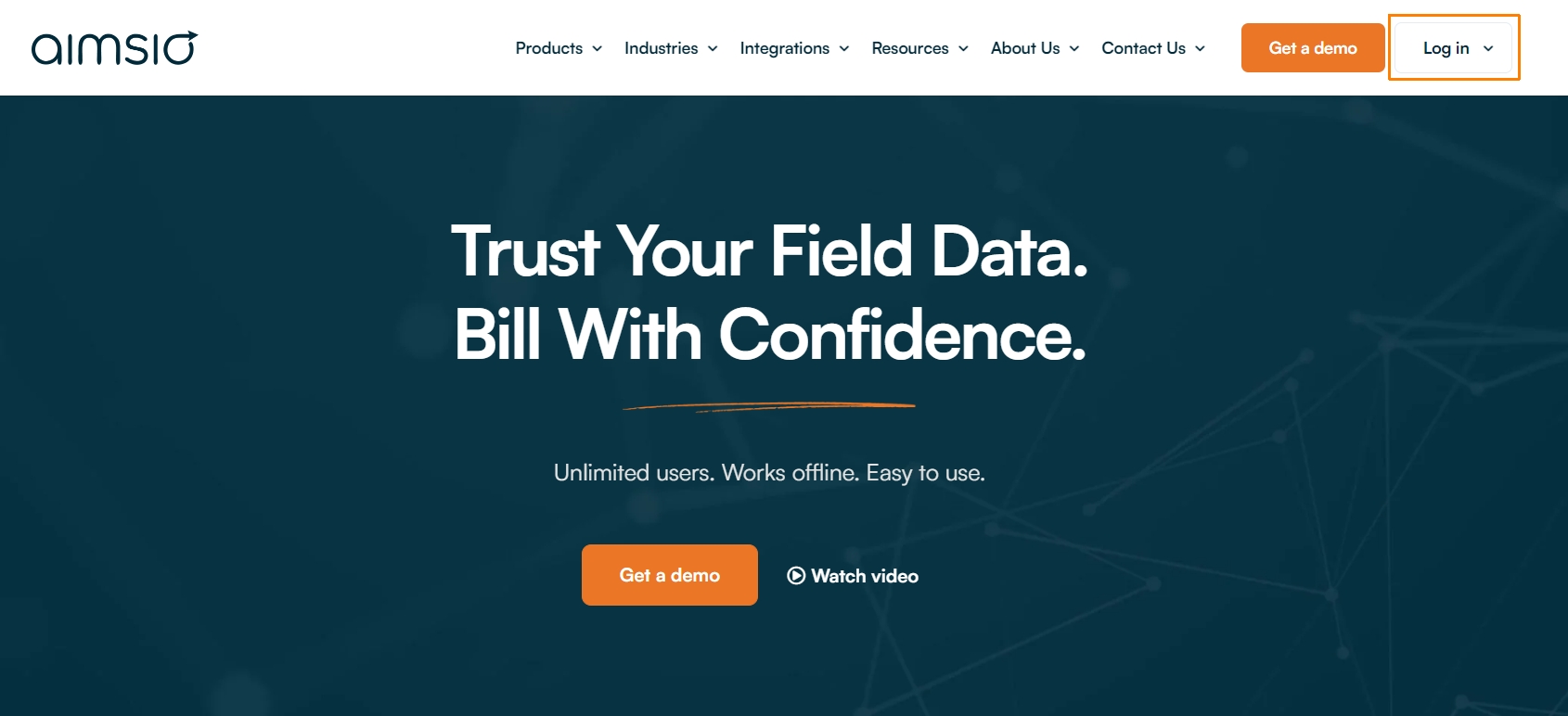
On Aimsio.com, the Log In button on the top right will bring you to your Production account.
Android & iOS
Aimsio will automatically detect which environment to log you into by your username.
How to Login to Sandbox
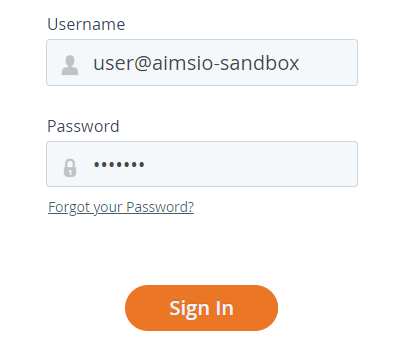
Sandbox users are required to append a “-sandbox” to their username (“user@company-sandbox”)
Forgot Password
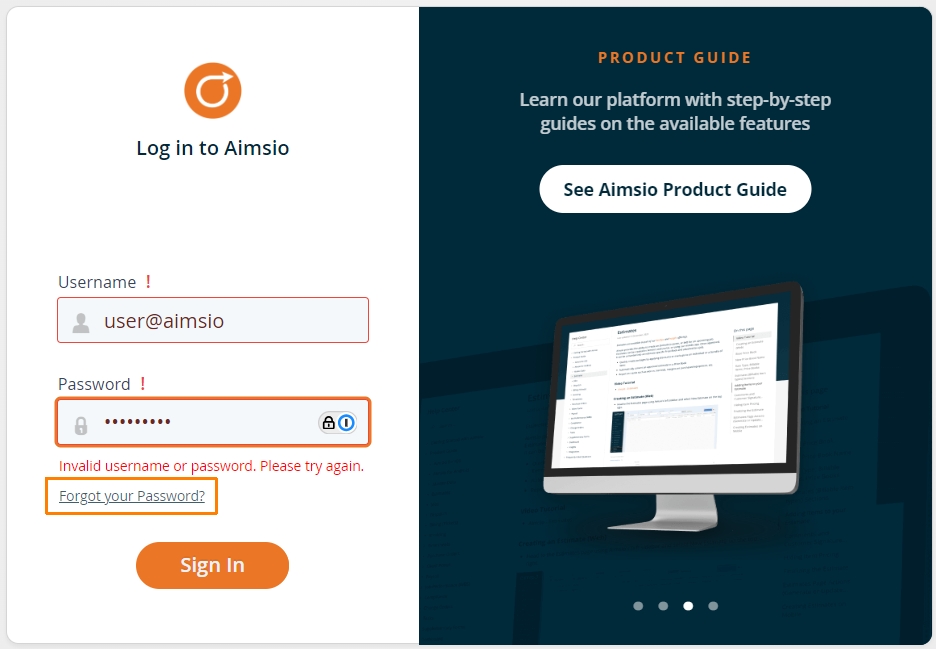
If you’ve forgotten your password, you can request a password reset using the “Forgot your Password?” link above the Sign In button on the login page.
Users will require a valid email address with their user account to use this feature. If the user account does not have a valid email, reach out to your Aimsio account administrator. For more information please see: How to Reset Your Password
How to Log Out of Aimsio
Locate your name using Aimsio’s left sidebar. Click your name and select Sign-Out.