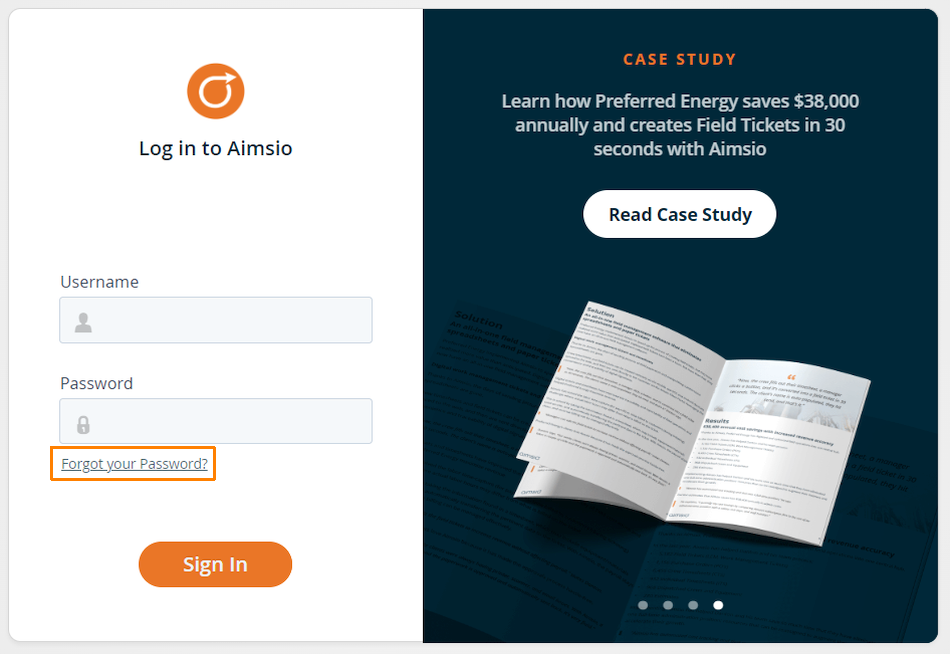
As long as your user account has a valid email address associated to it, you can use the Forgot Your Password? option available on both our web and mobile app login pages.
If you do not have an email address associated to your account, please reach out to your company’s Aimsio administrator for assistance on resetting your password.
How to Reset Your Password from Aimsio’s Login Page
- On any of Aimsio’s login pages (web or mobile) select Forgot Your Password?
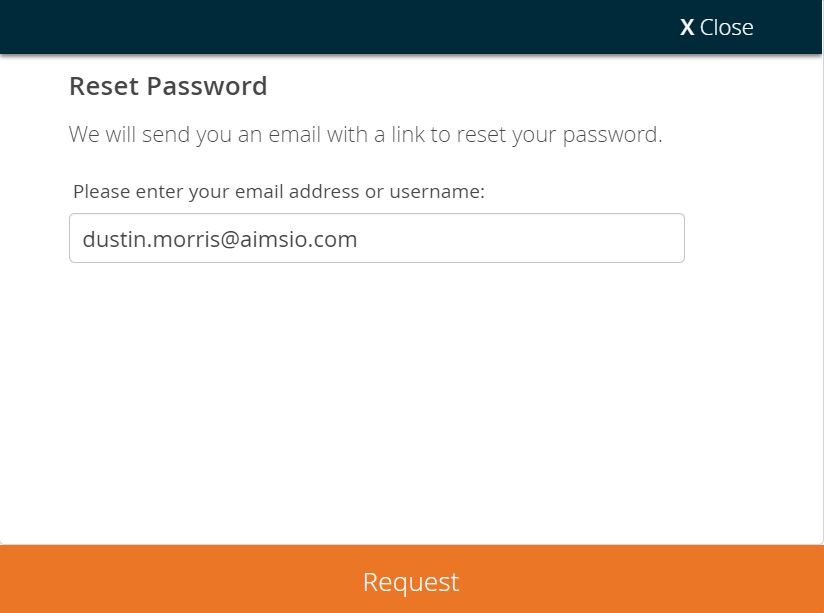
- Type in the username or email address associated with your account and select Request.
How to Reset Your Password While Logged Into Aimsio (Web)
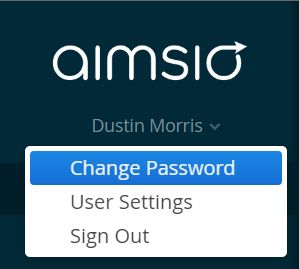
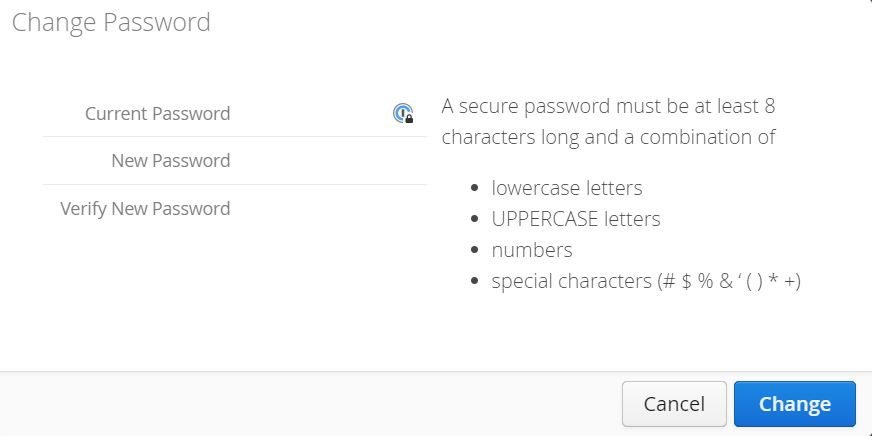
- To reset your password while logged into Aimsio, clicking on your name located on the top left and select Change Password.
- Choose a strong password to keep your account secure.
How to Change a User’s Password on their Behalf
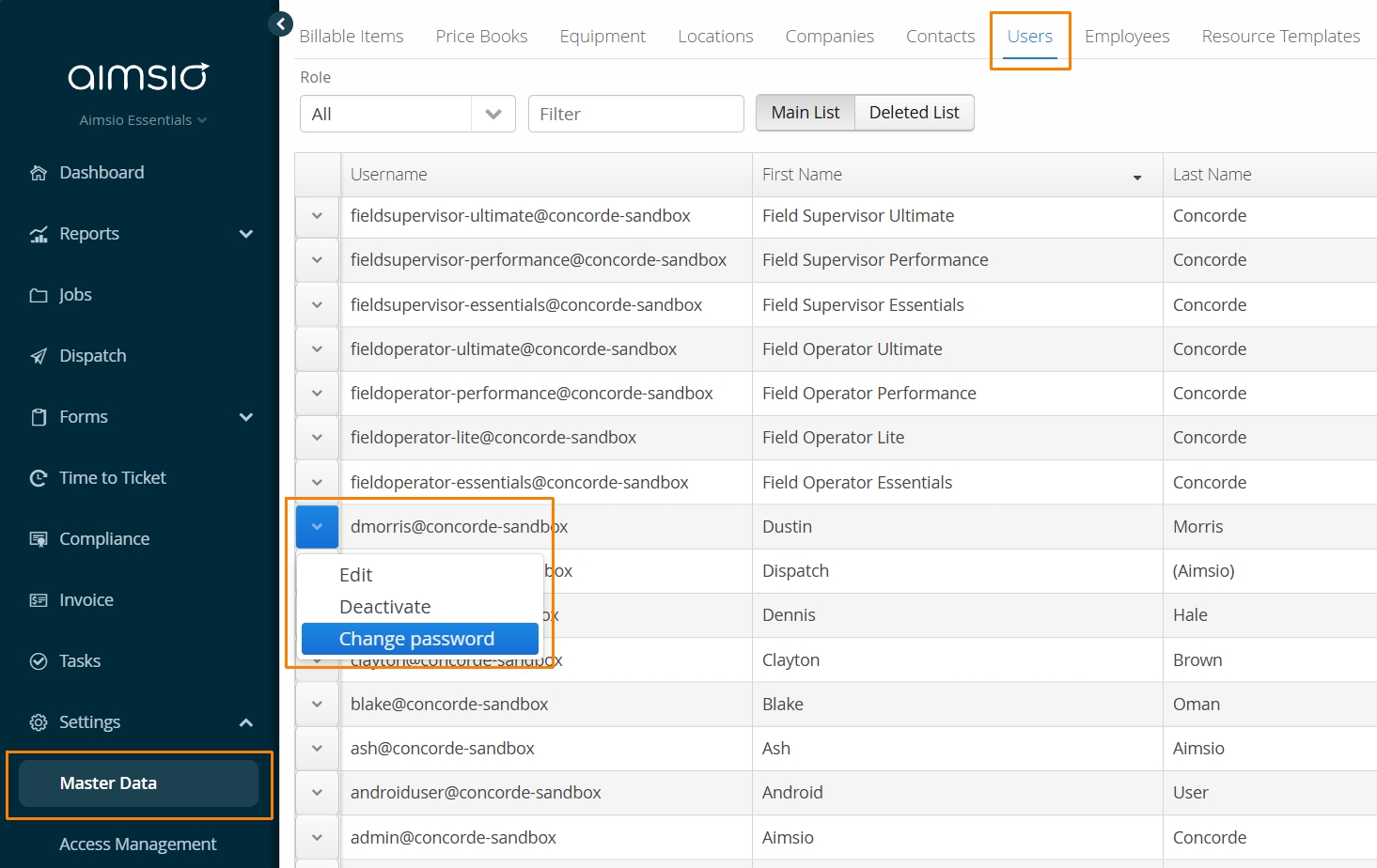
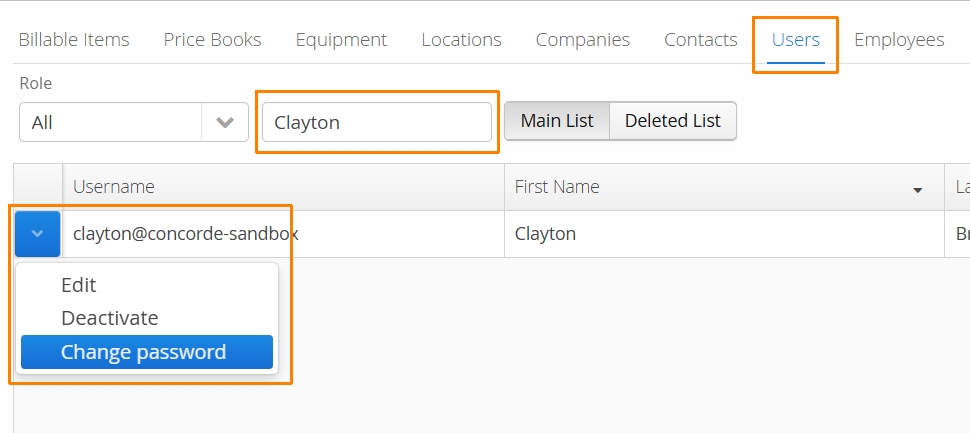
Authorized users can navigate to Aimsio’s Master Data > Users page to change a users password for them. Use the free-text field to quickly search for the user in question.
- Use the action button to the left of the User and select Change Password.
Password Security
To enhance your account’s security, we allow 6 attempts to log in with your username and password before locking the profile for 30 minutes.
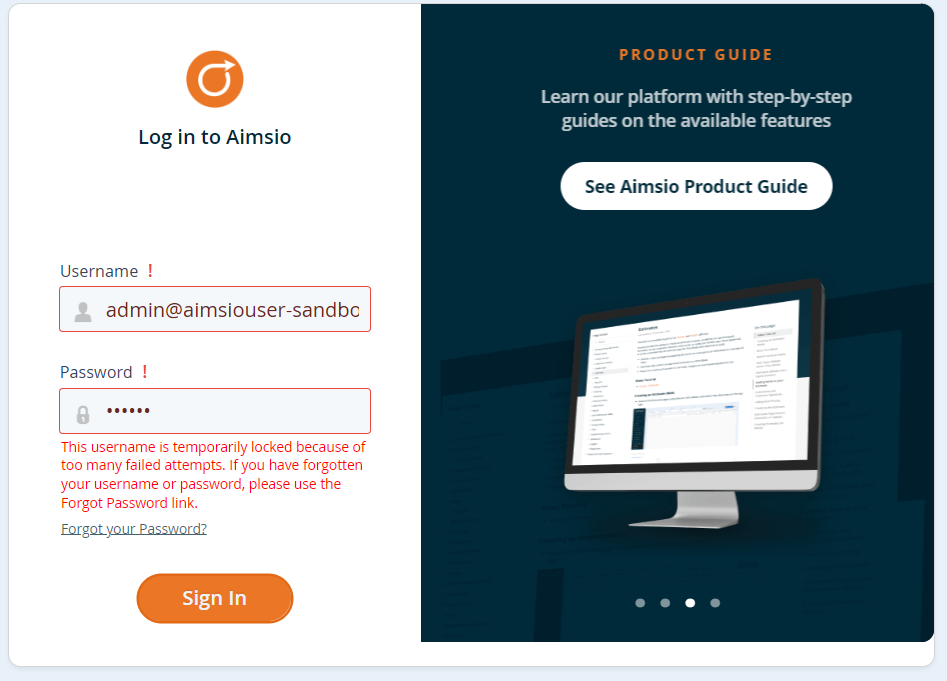
- Authorized users (admins) can unlock another user’s account by resetting their password from the Master Data > Users page.