Integration Overview
Aimsio’s ADP integration supports the import of Employee information and export of Timecards to ADP Payroll.
Below is a chart demonstrating the data flow between Aimsio & ADP.
Aimsio | ADP | |
|---|---|---|
Employees | ← | Employees |
Timecards | → | Payroll |
Setting up your ADP Integration
Before the setup of your ADP integration, we strongly recommend setting up a consultation call with both Aimsio and ADP present.
Customers using ADP to process payroll will need to create a user account for their ADP representative. This will provide ADP with access to our API.
- ADP will work with you on all the mapping from Aimsio to ADP. ADP reps can review our Aimsio API and API Developer Documentation. This will guide ADP on how to map their customer account endpoints to Aimsio.
Using the ADP Integration
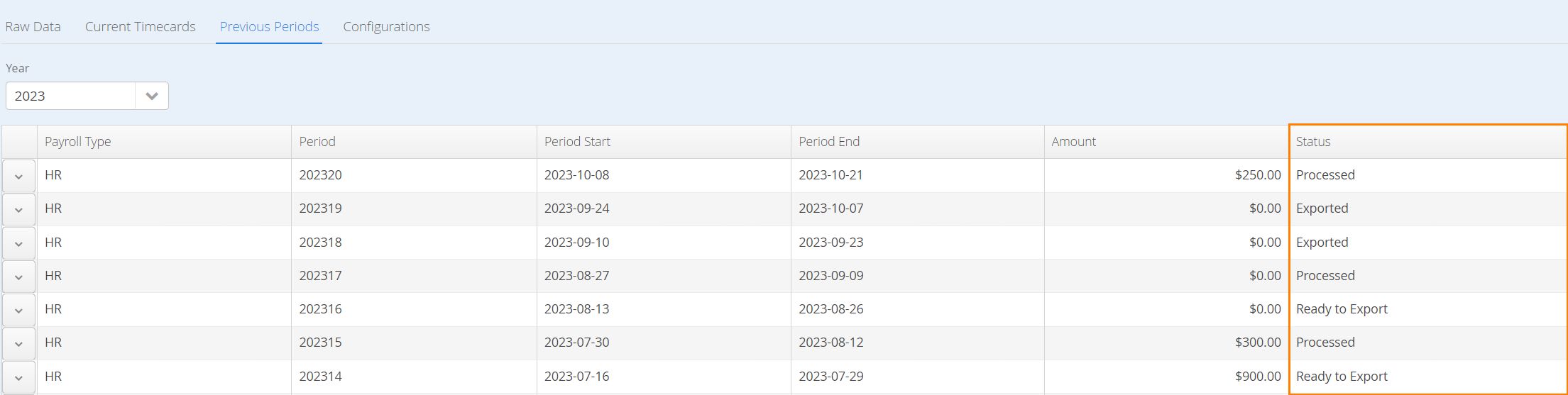
ADP will typically monitor the status of **closed ‘**pay periods’ in Aimsio. Closed pay periods are stored in the Timecards > Previous Periods page.
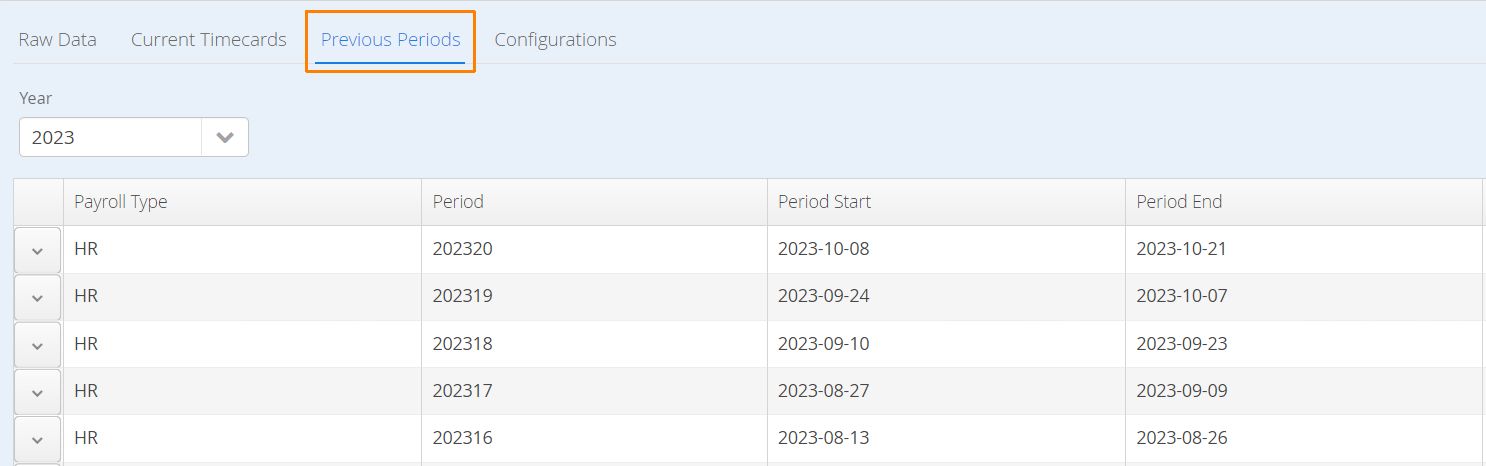
When our customers are ready, they’ll change the status of their pay period to Ready to Export. First, Navigate to the Previous Periods tab.
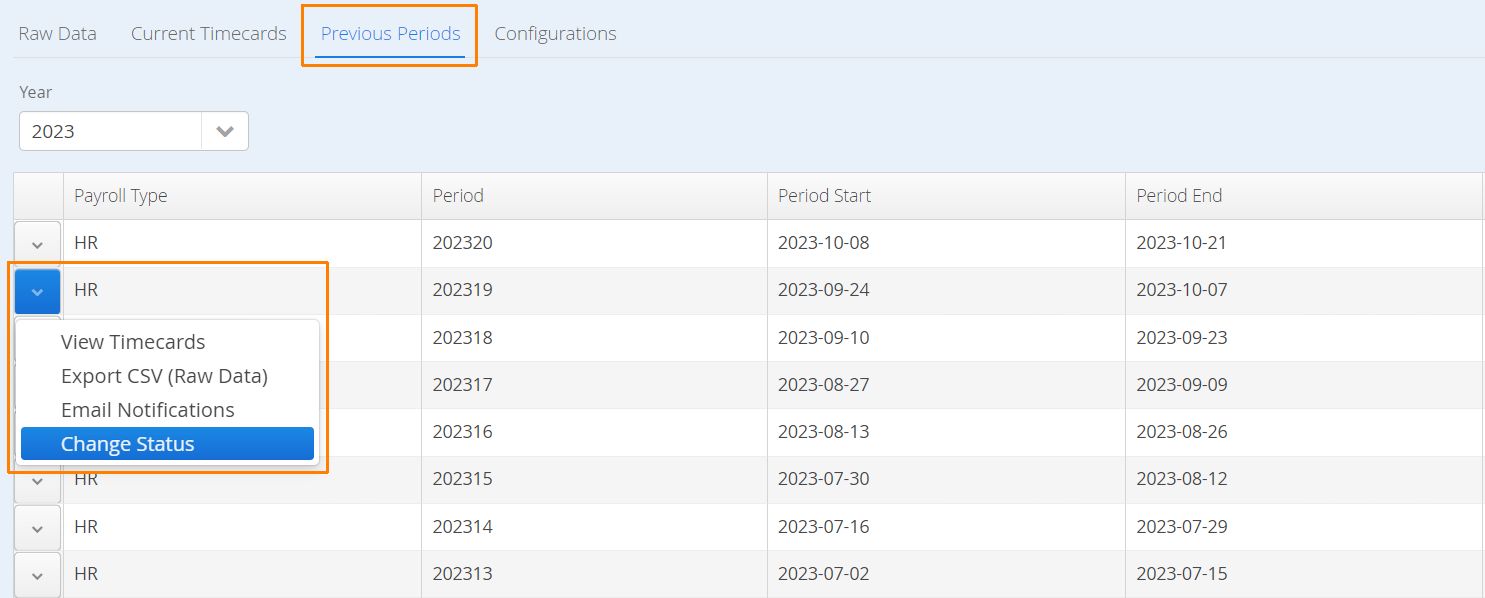
- Click on the action button to the left of a closed period and select Change Status.
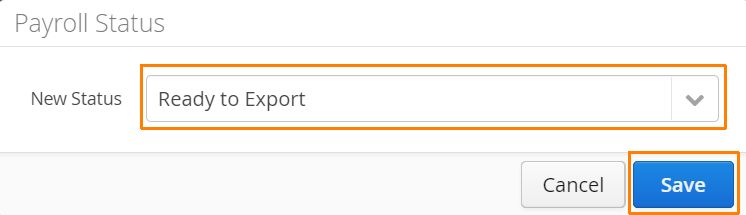
- Select Ready for Export and click Save.
- This will signal to ADP to start the Timecard import process. Once the import is successful, the status of the pay period will be changed to Exported. Once they fully process the time cards on their end, they set the status to
Processed.