What’s new in version 21.25
New Features
Web
-
Time Cards are now synchronized in the dedicated database and are accessible for Power BI analytics.
-
If you have our Insights Aimsio tier, then you’ll see a new Insights Access Management tab. What does this mean, you ask? Now you don’t have to refresh everything at the same time. You can choose to refresh only the database or all of the Power BI reports or only one report at a time.

Bug Fixes
Android
-
Some of ya’ll were seeing timesheet time fields displayed in 12 hour format, not 24. Since there are in fact 24 hours in a day and we don’t want to cause any confusion, time fields now have an AM/PM selector.
-
There was a teeny tiny bug for some people. The “Not Applicable” check box disappeared on some forms. We found it hiding deep, deep in the code. It has been returned to its rightful position.
-
The “Update Tables” button didn’t actually…update any tables. In fact, it populated the WBS table with an empty row. This has been fixed.
Improvements
Web
-
You can now view an invoice as “read-only” without worrying that you might change it.
-
Deleted time cards and invoices are now also deleted from the dedicated database.
-
Now in the Payroll feature you can set a work week to start on any day. Previously, a work week had to be from Sunday to Sunday.
-
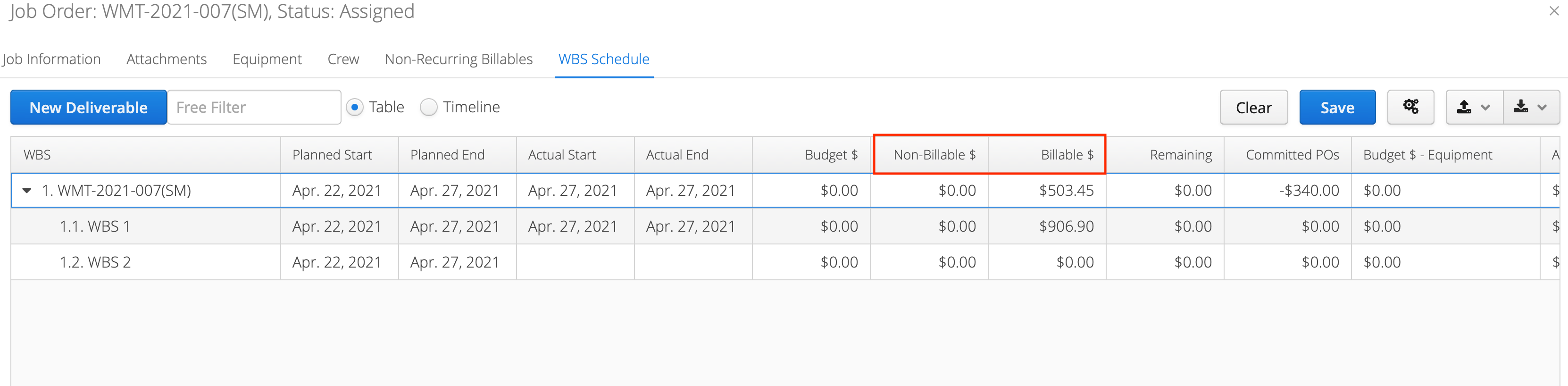
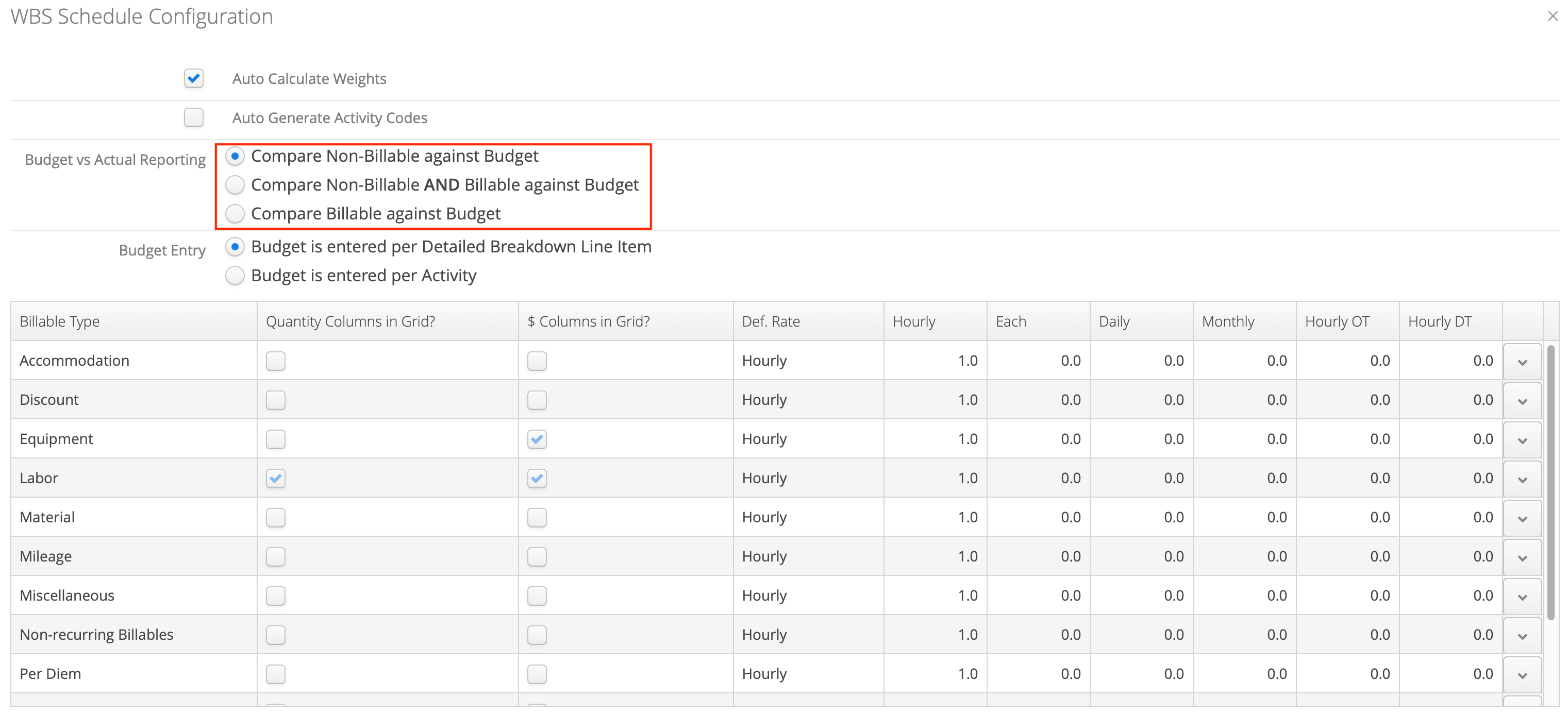
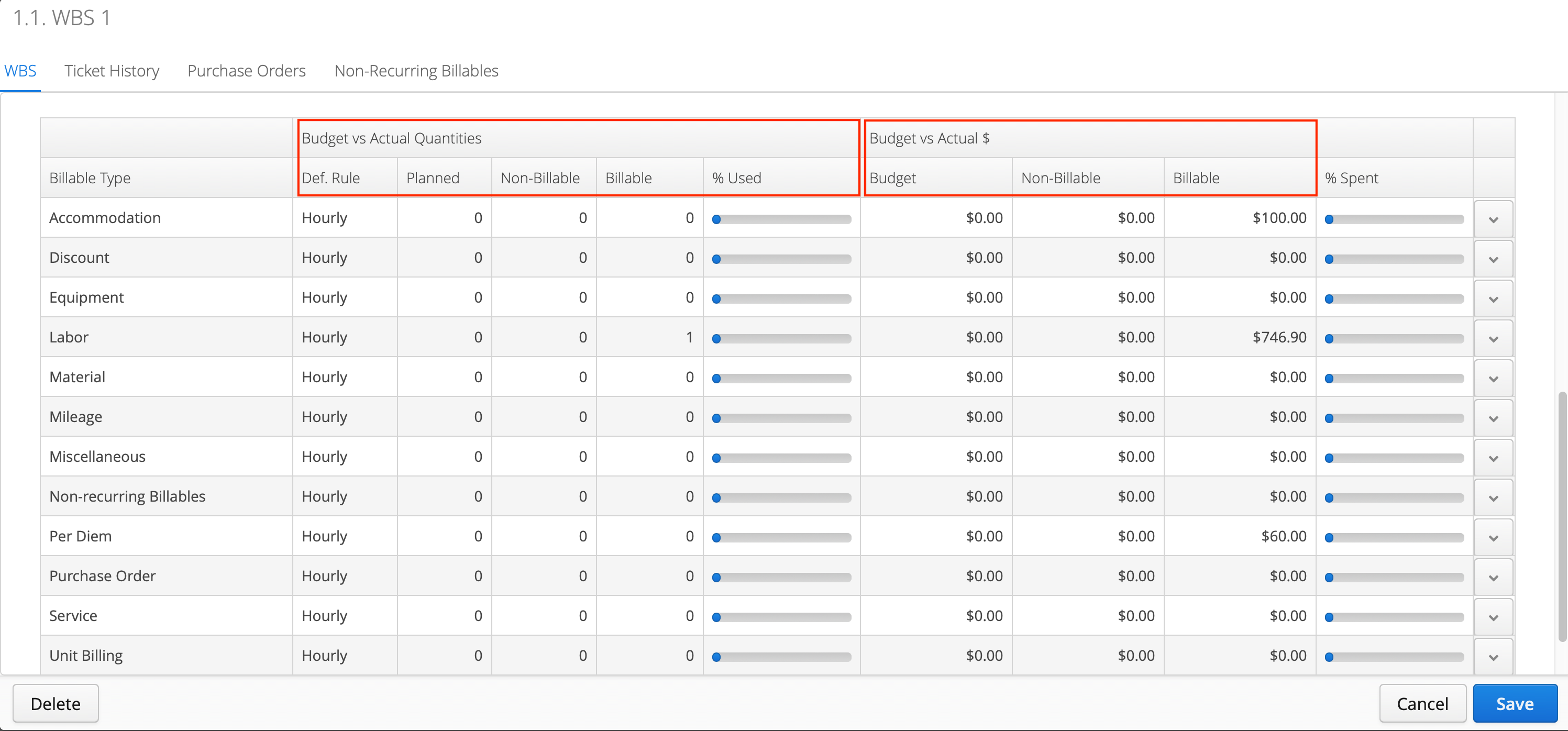
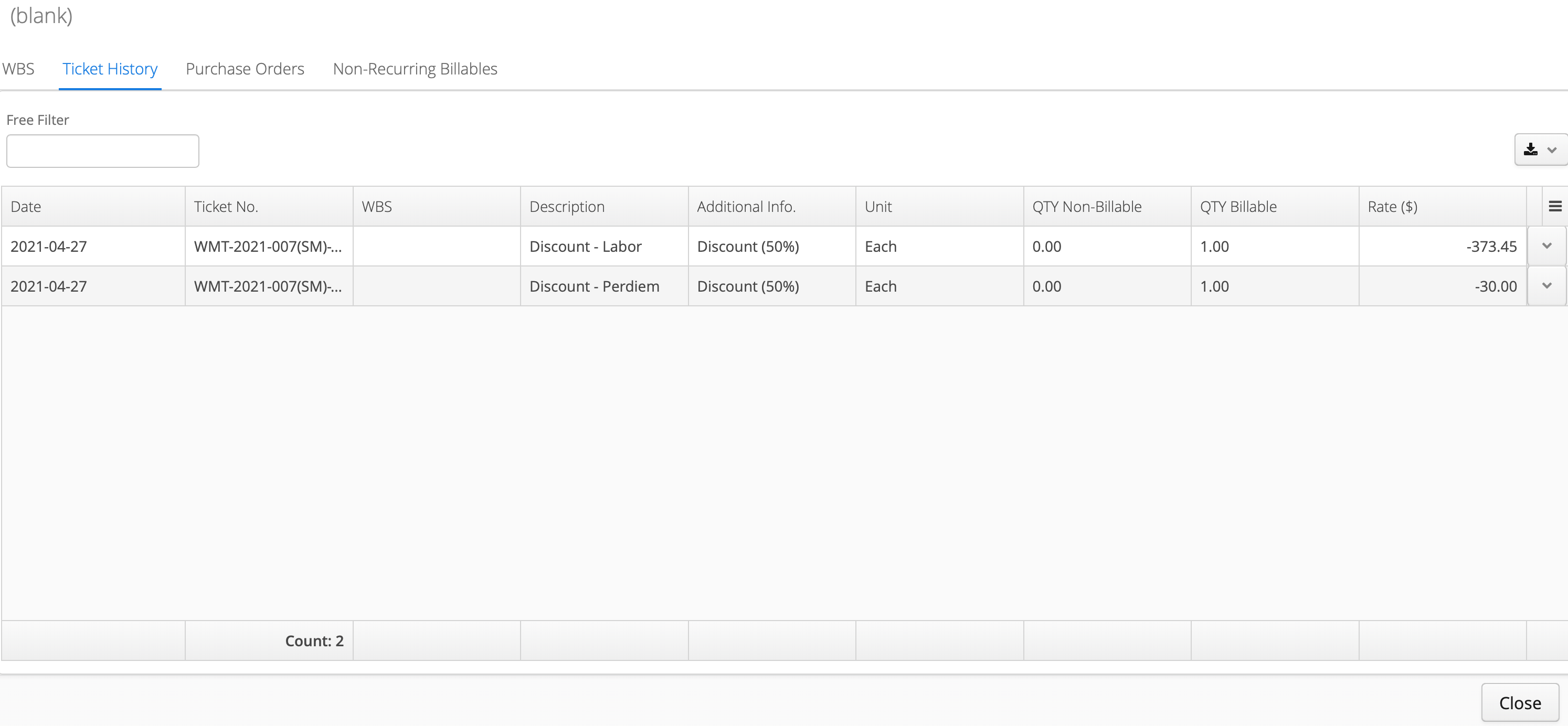
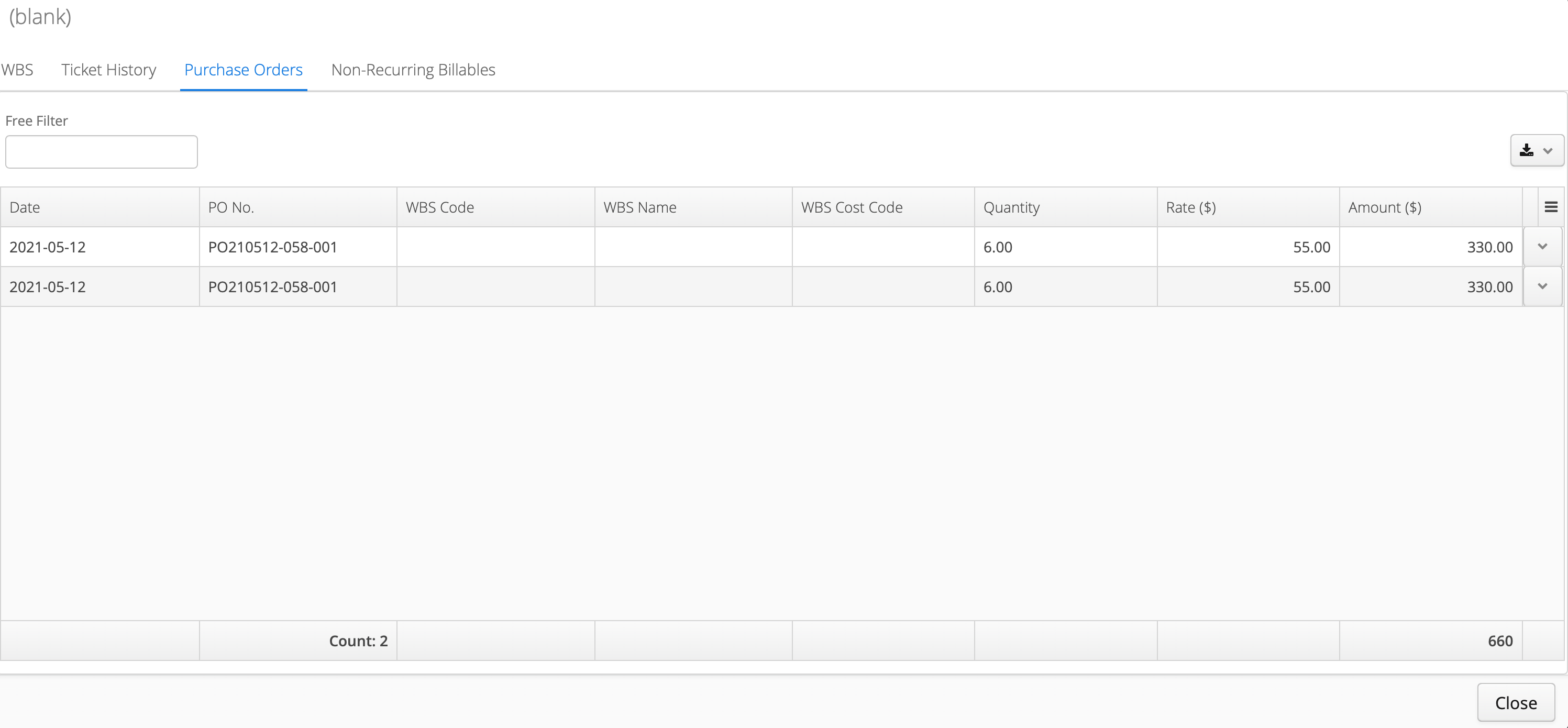
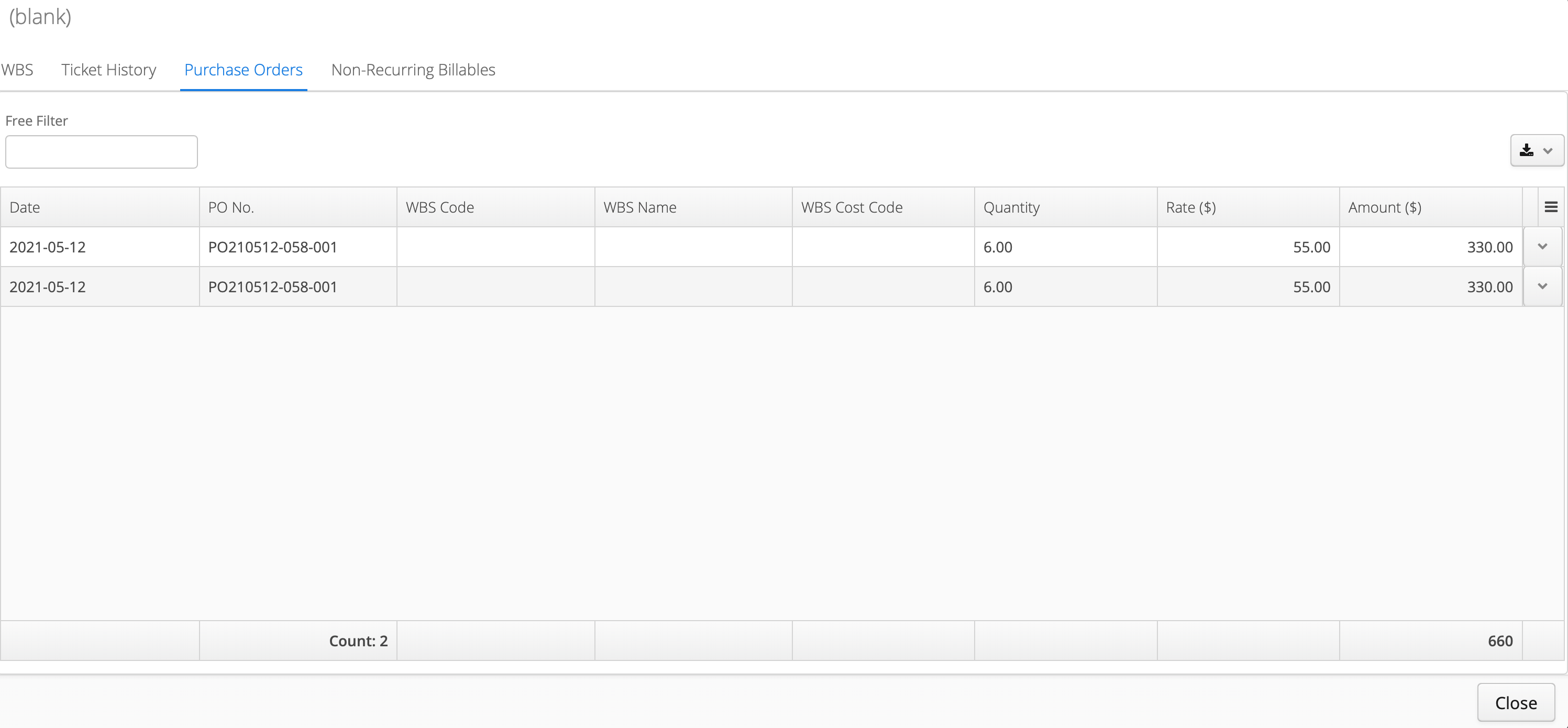
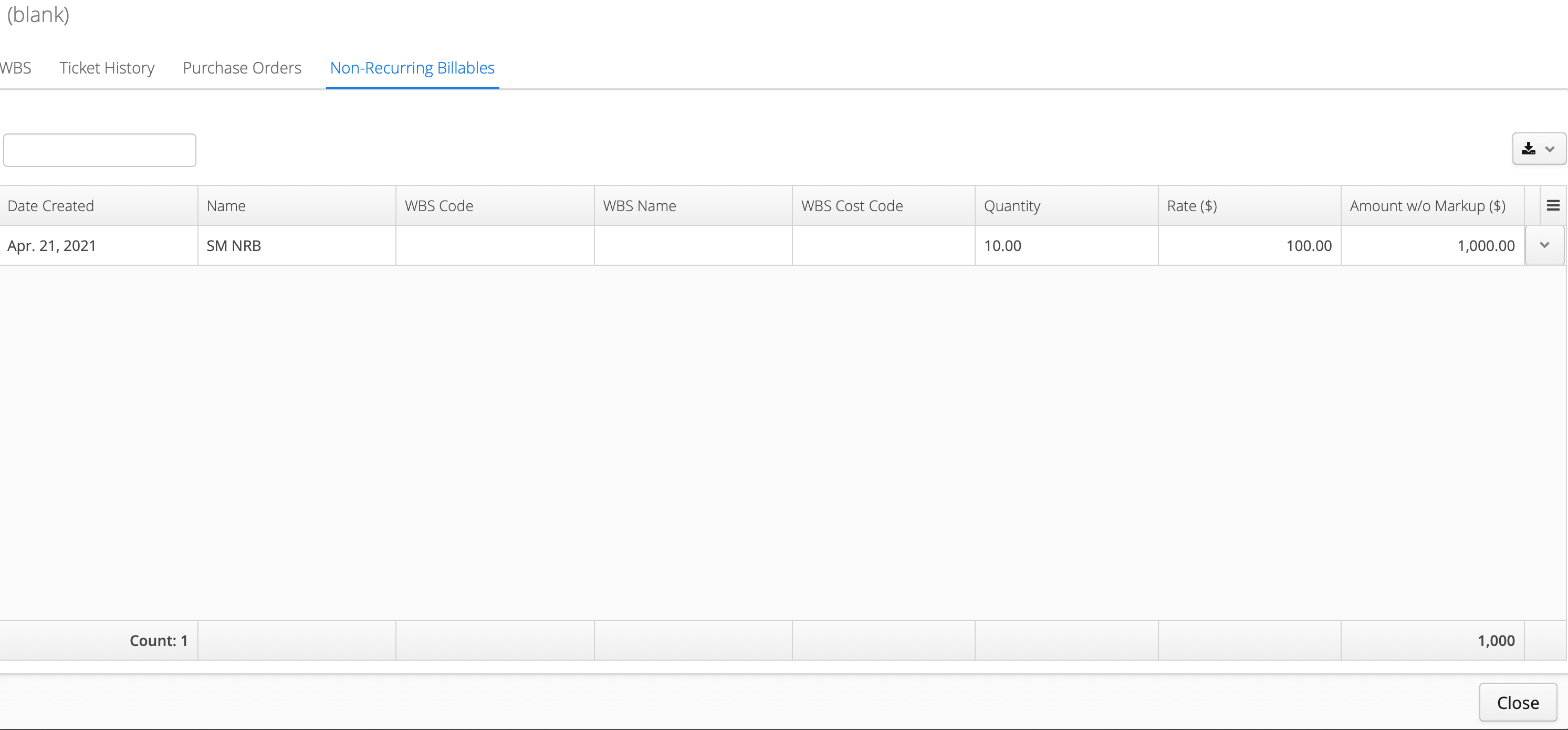
You’ll see two columns have been renamed in the WBS screen. “Used” is now “Non-Billable” and “Extra” is now “Billable”. This should avoid any confusion around what the devil “Extra” actually means. P.S…it’s been updated in a lot of places so be on the look out for it. We’ve added screenshots below to get you started.

-
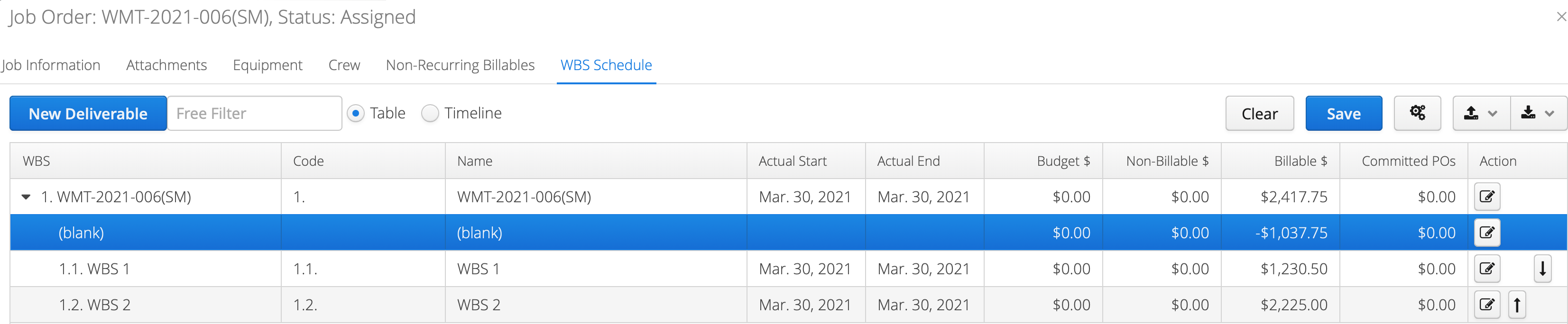
There is a new blank space (cue T-Swift song here) under the WBS root node. This blank space will show all the items with no WBS activity linked to them. We did this for two reasons:
-
The numbers at the root level add up and,
-
It gives an indication to set the link for items with no WBS link.
iOS
- Aimsio Lite will now synch when the app is in the background. It’s Lite-speed quick.
Android
- Only those users who have permission to “Download All Open Job Orders” will be receiving all open job orders. This sound intuitive. We know. But previously all users with “Edit Job Orders” permission had this capability.