What’s new in version 24.22
Highly sought user experience improvements coming your way. We’ve also included a new Company type and enhancements to our Eclipse integration.
Questions about our latest updates? Get in touch with our support team.
Column Widths
Users can now adjust the width of any column on a listing page (or report) and Aimsio will store that preference the next time you navigate to that page or login.
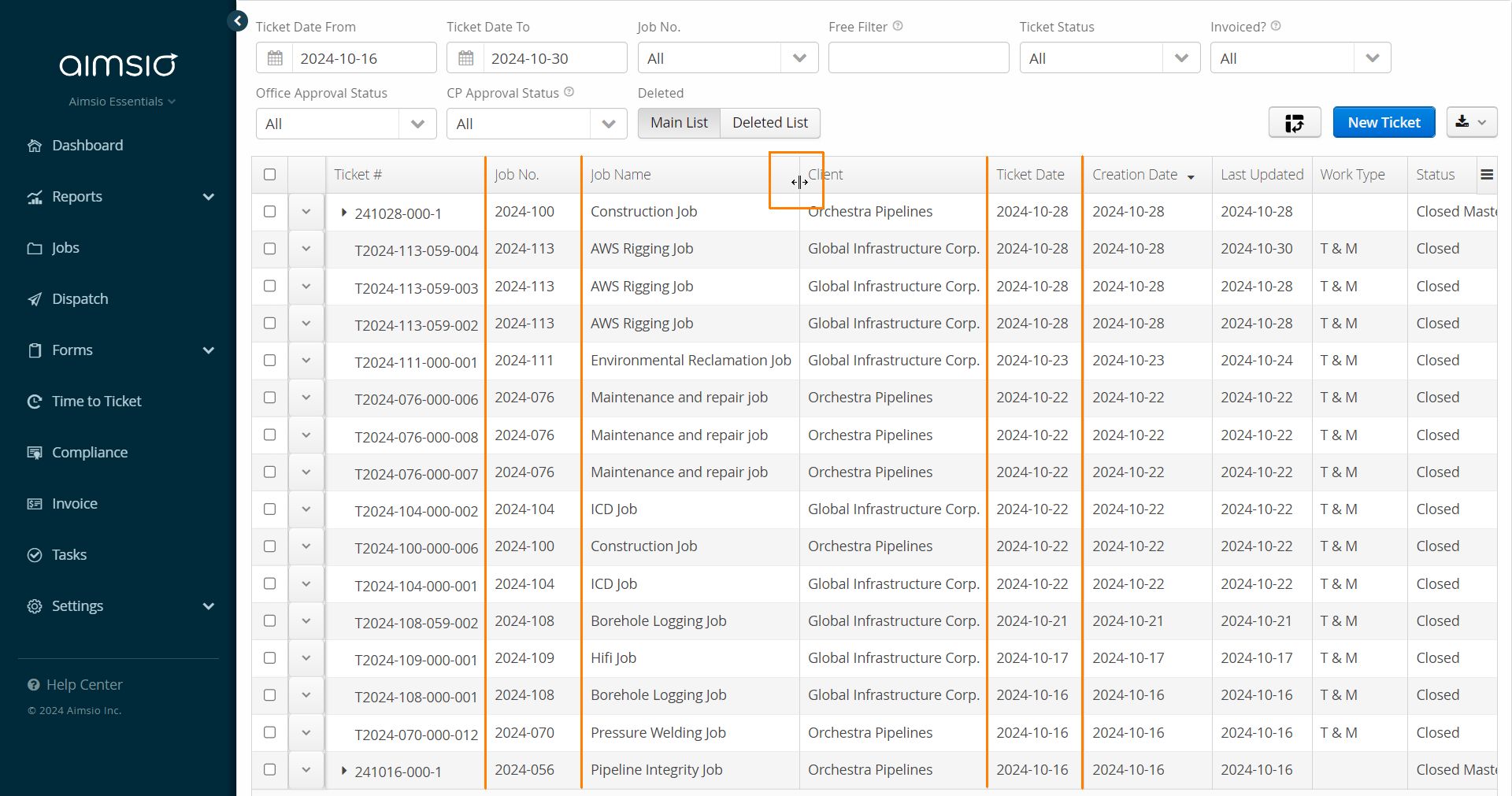
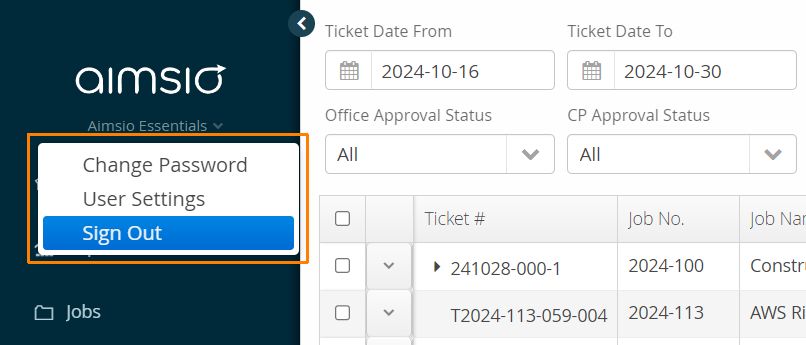
To ensure your column width preferences are saved, be sure to sign out at the end of your Aimsio session. This feature does not apply to column widths inside a form.
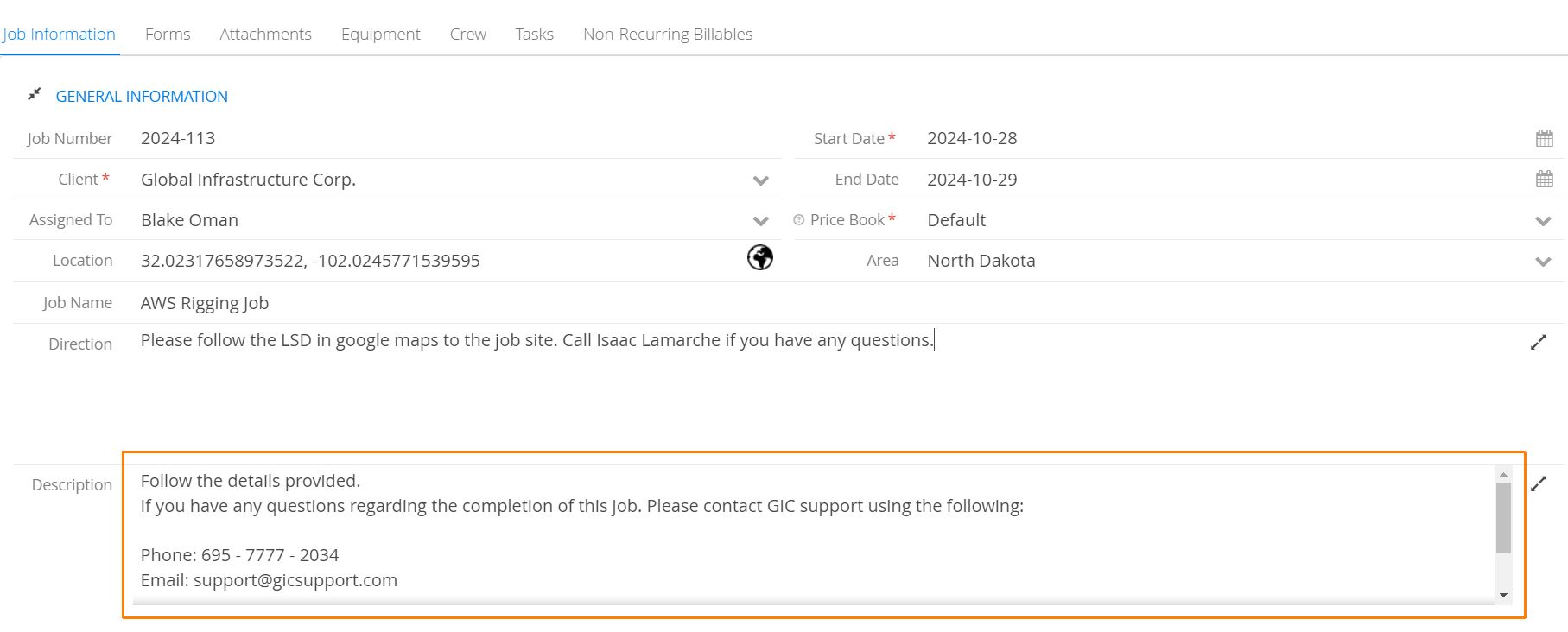
Large Text Fields
We’ve made it clearer when large text fields span multiple lines by adding a drop shadow at the base of the field. This indicates to the user that they will need to scroll to see all the content.
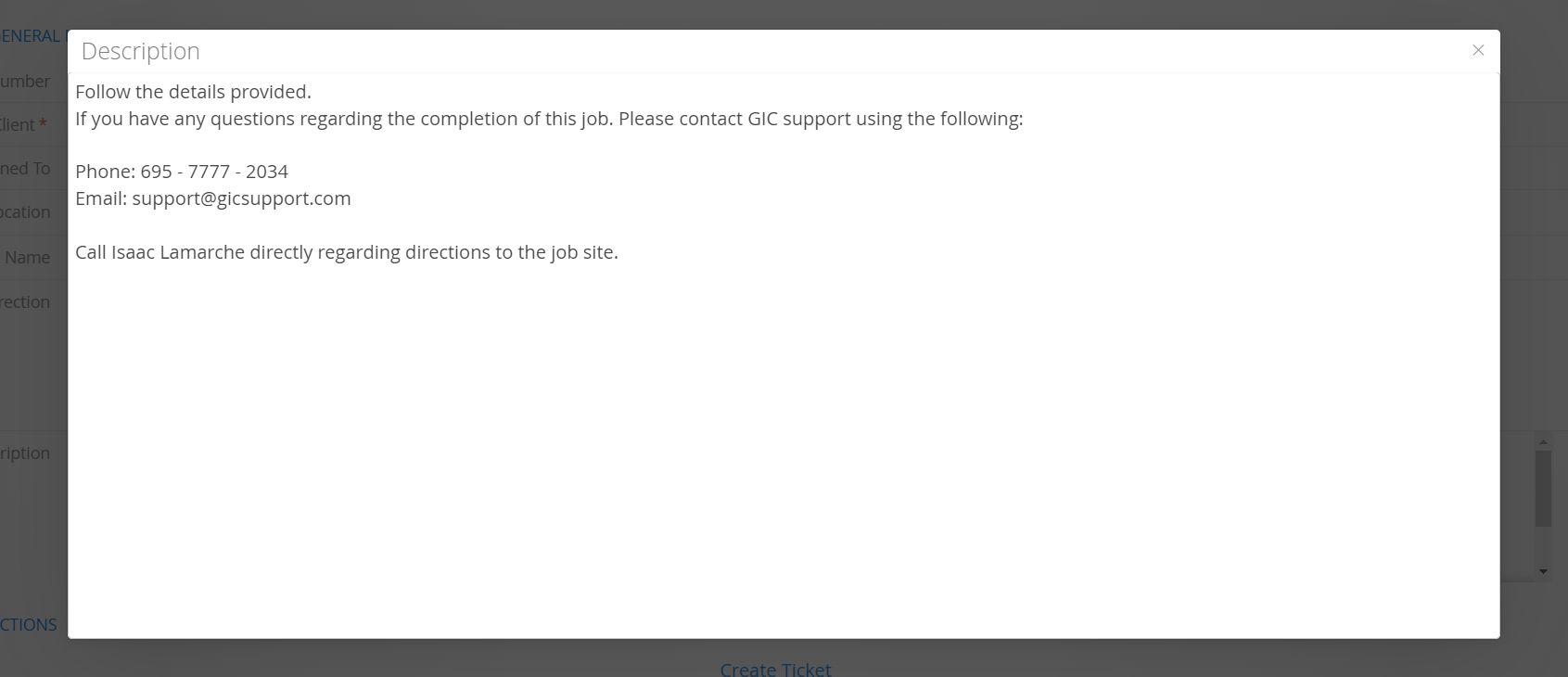
Alternatively, users can use the expand icon located on the far right of a large text input field.
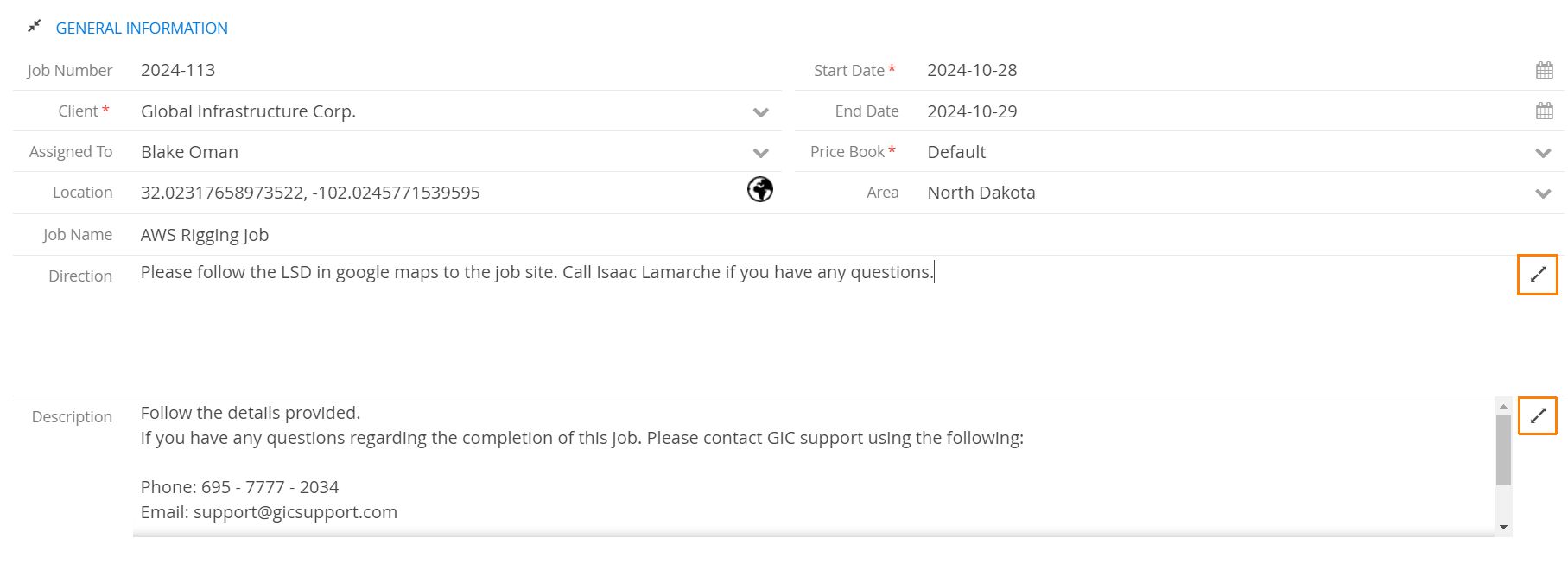
This will popup an external window so users can quickly view the field without having to scroll.
Forms
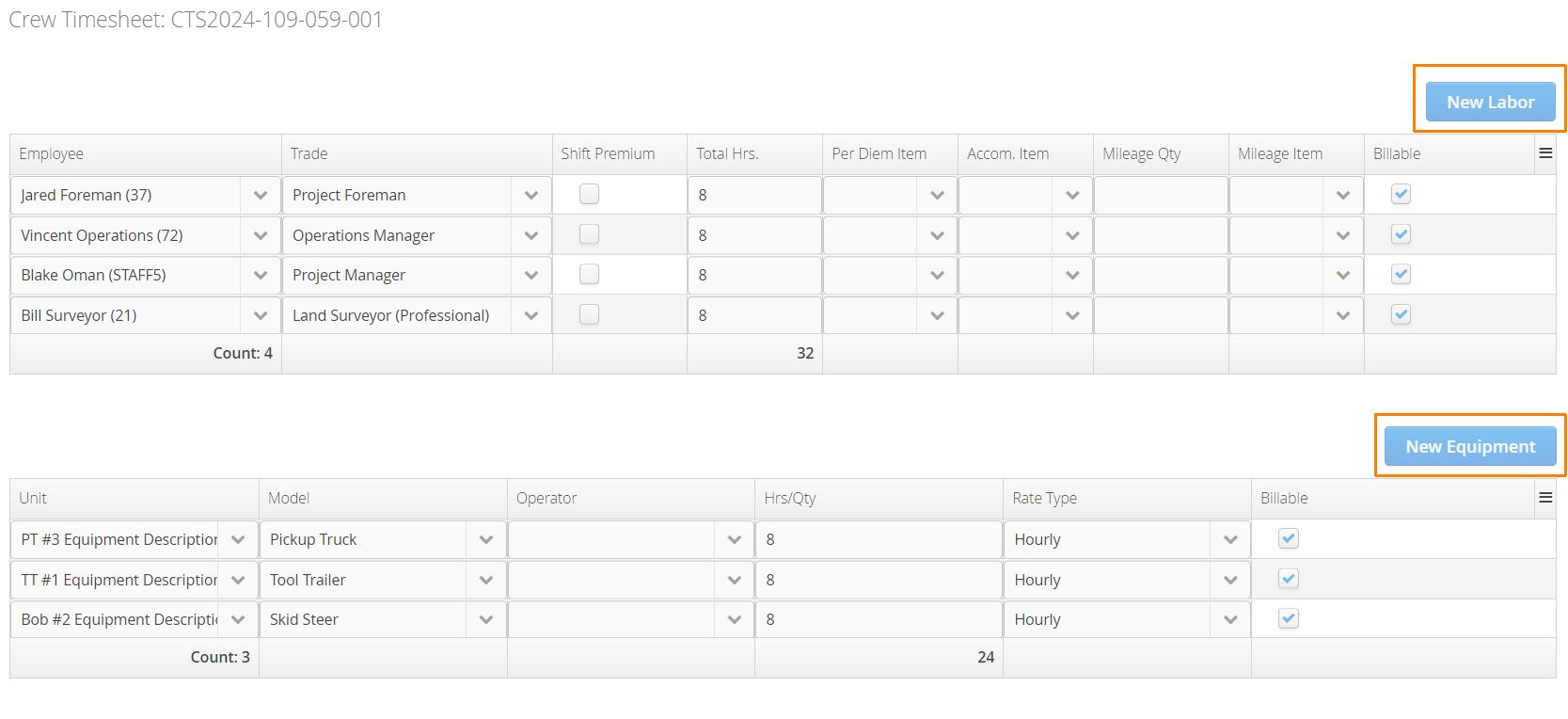
When users select the ‘View’ (read-only) action to open a form..
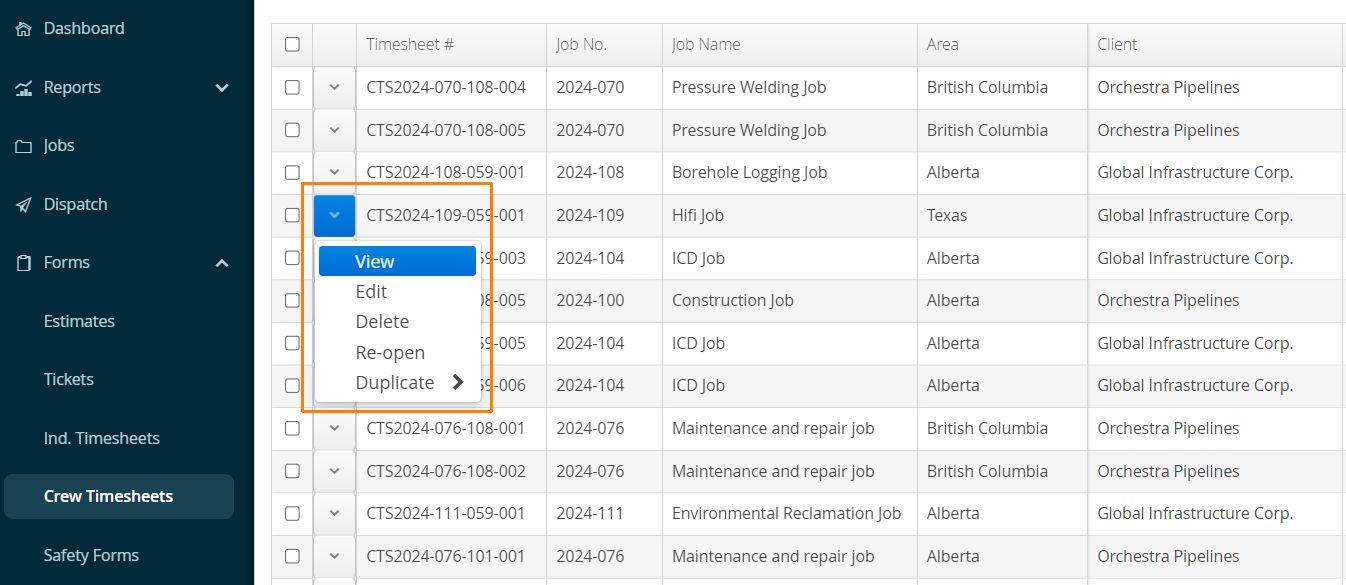
We now provide better visibility for each section by including the original line item buttons. These buttons will be disabled and provide users a clearer understanding of which table they are looking at.
Companies
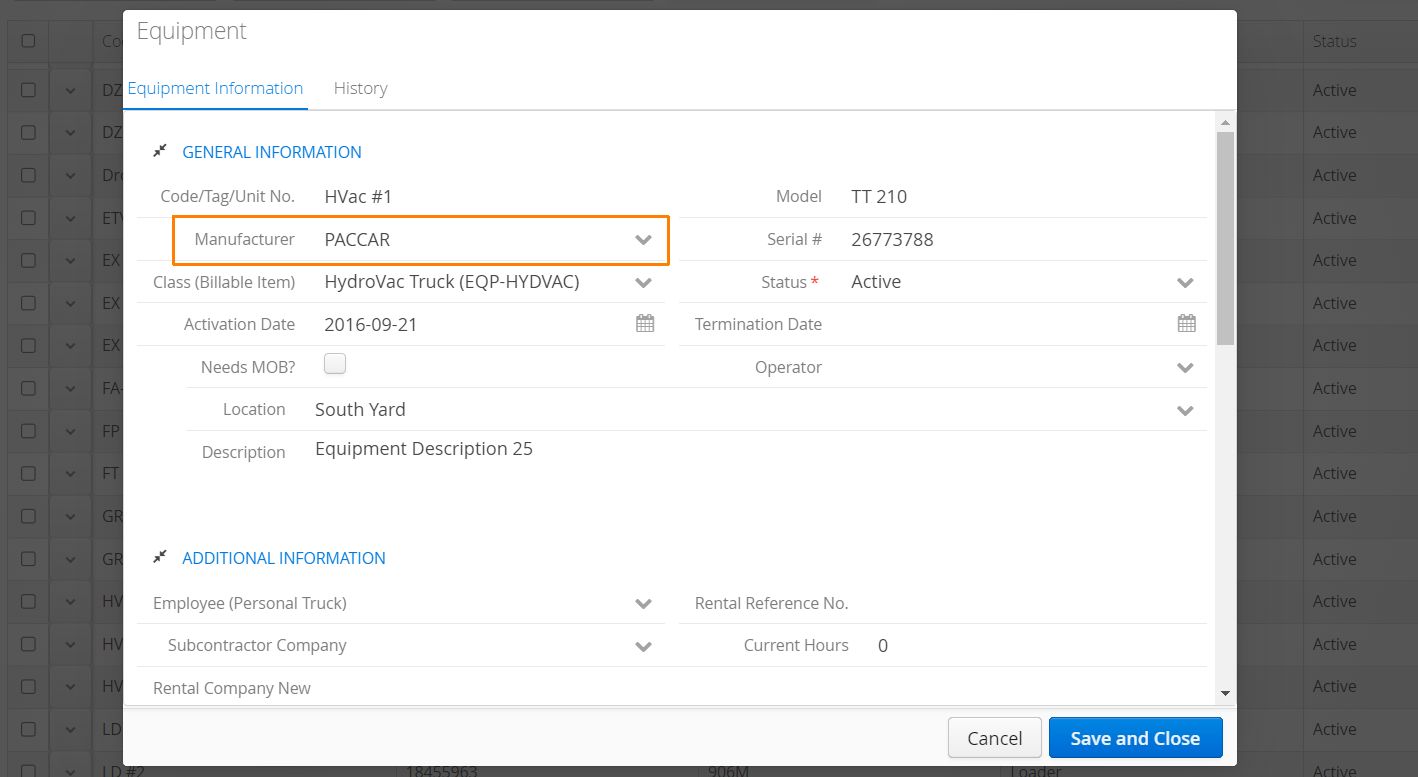
We’ve included a new Company type: Manufacturer.
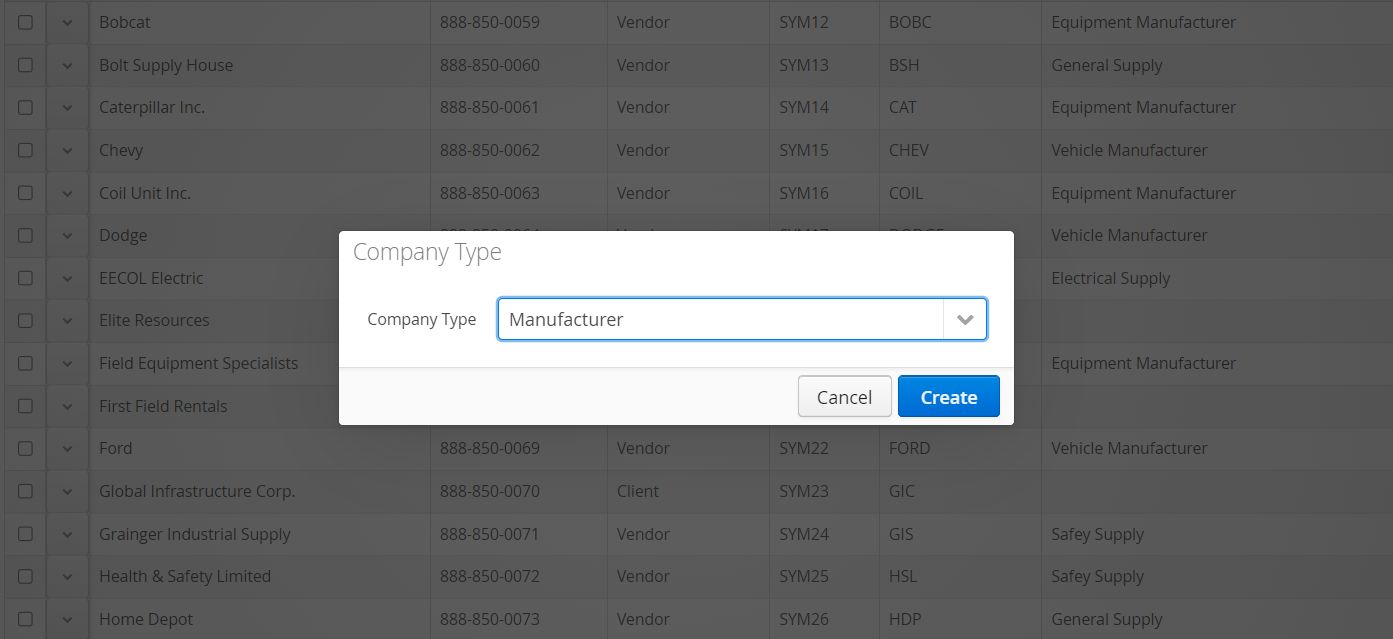
Manufacturers can be linked to company-owned Equipment items.
Integrations
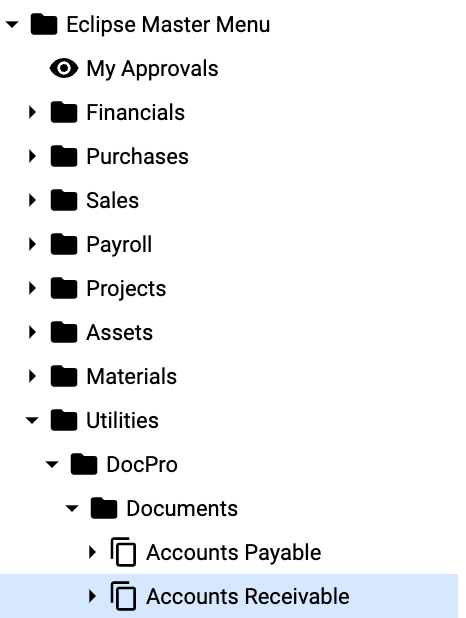
We can now export Invoice PDFs to Eclipse > DocPro > Account Receivable with Invoice Number, Customer, and Job tags.
Learn more about Aimsio’s Explorer Eclipse integration by visiting our Product Guide.