What’s new in version 25.06
We’re introducing login instructions for new user accounts, better visibility for failed Client Portal requests and attachment support when transferring Time to Tickets. Read on for details.
Questions about our latest updates? Contact our support team.
Users
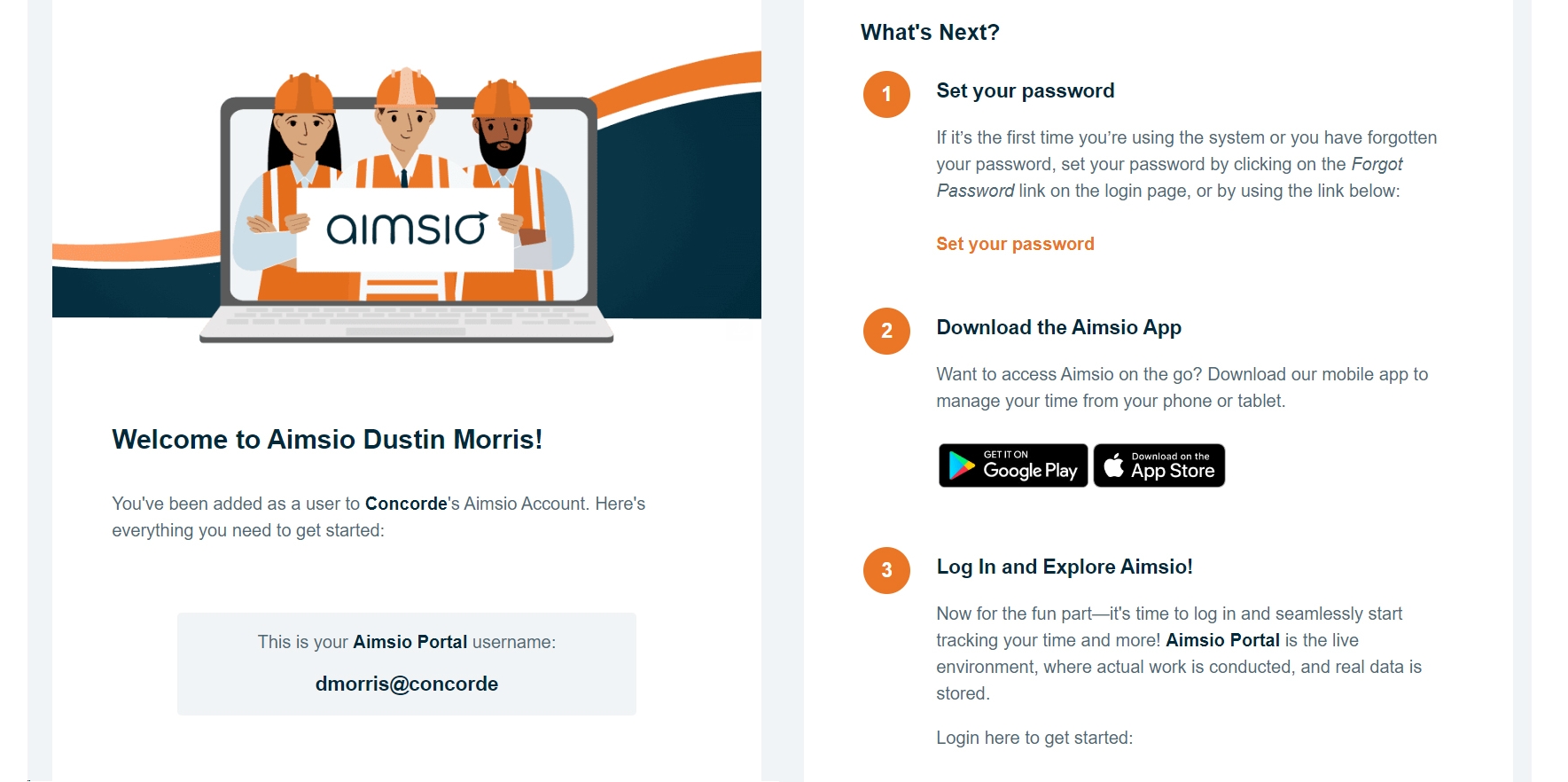
Accounts now have the option to deliver login instructions directly to new Users. An email notification can be sent to each user with instructions on how to download Aimsio’s mobile app and log into their Aimsio account. We’re providing multiple ways to initiate this notification.
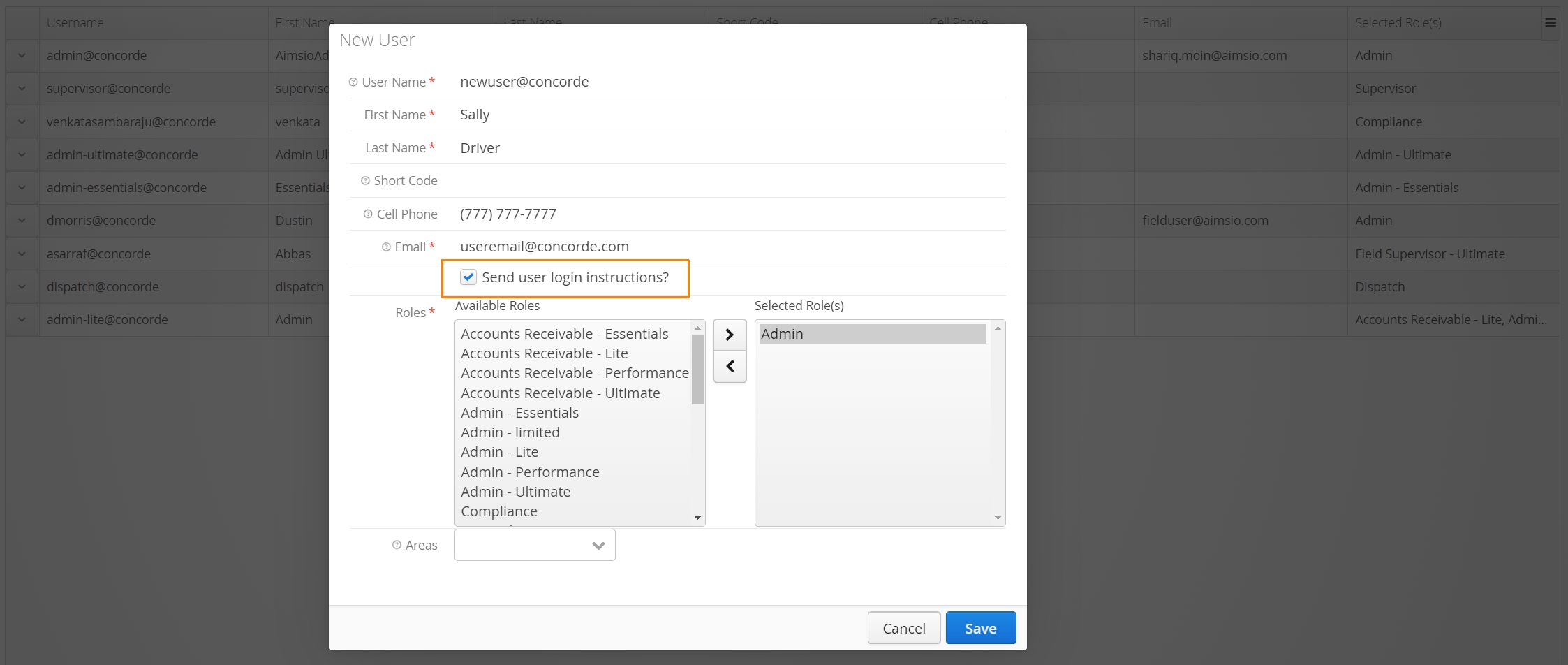
From the Master Data > Users tab, accounts will have the option to send this notification at the time a new user is being created.
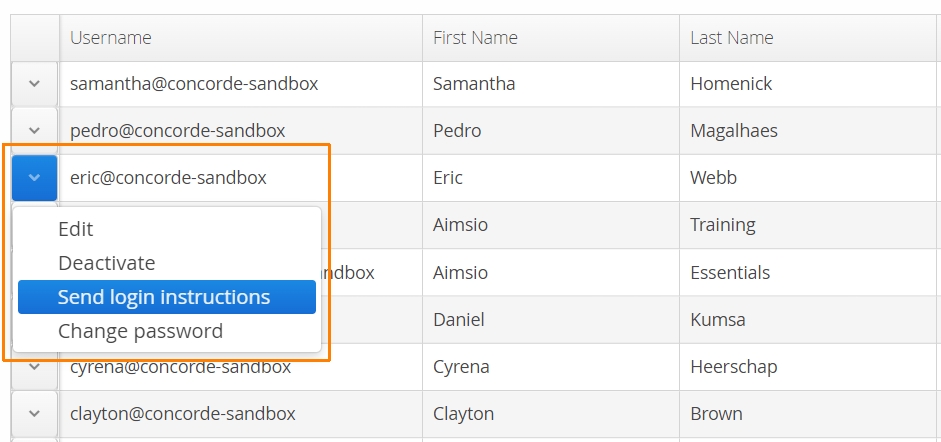
Administrators will also have the ability to send instructions to a previously created user by clicking on the action button to the left of a user.
Multiple users can be sent instructions when a importing a compatible csv file for new users.
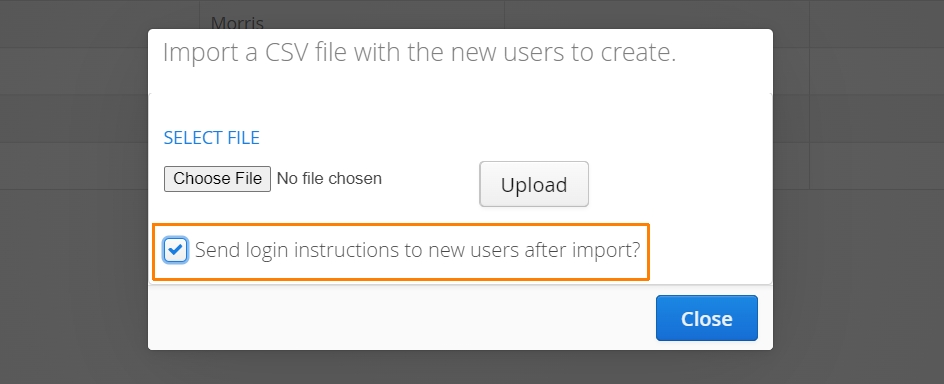
Users must have a valid email address to receive this notification.
Client Portal
Previously, if approval requests sent via our Client Portal failed (due to an undelivered email), accounts could not identify when this occurred. Starting this week, if approval requests fail, the CP Approval Status column will automatically update to ‘Failed’ an hour after the attempt to deliver.
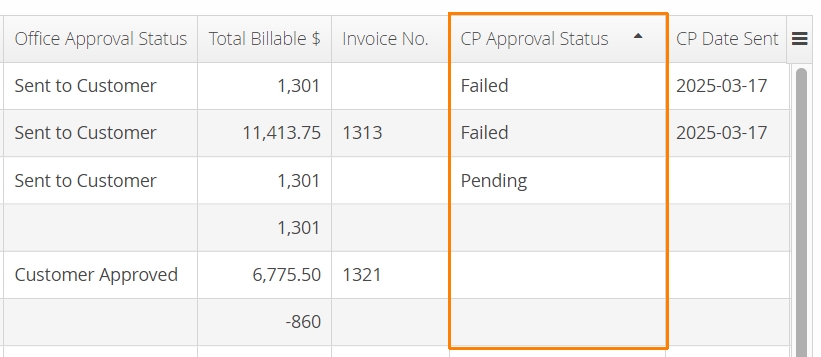
We’ll also notify accounts when attempting to send another request to an email address that previously failed.

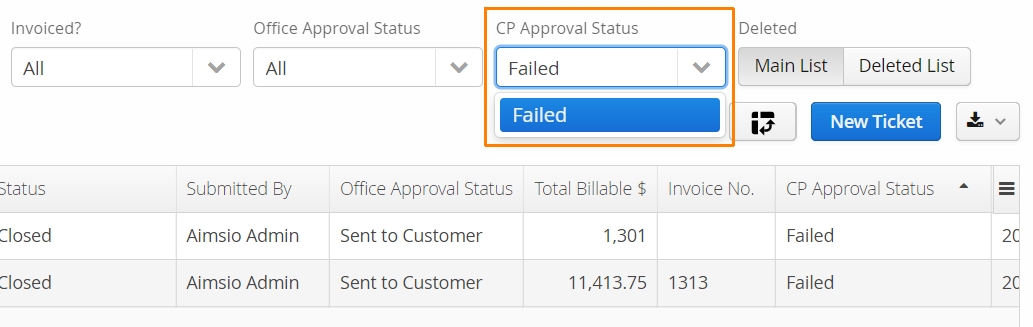
To quickly isolate failed requests. Use the CP Approval Status filter at the top of any form page that supports our Client Portal.
Time to Ticket
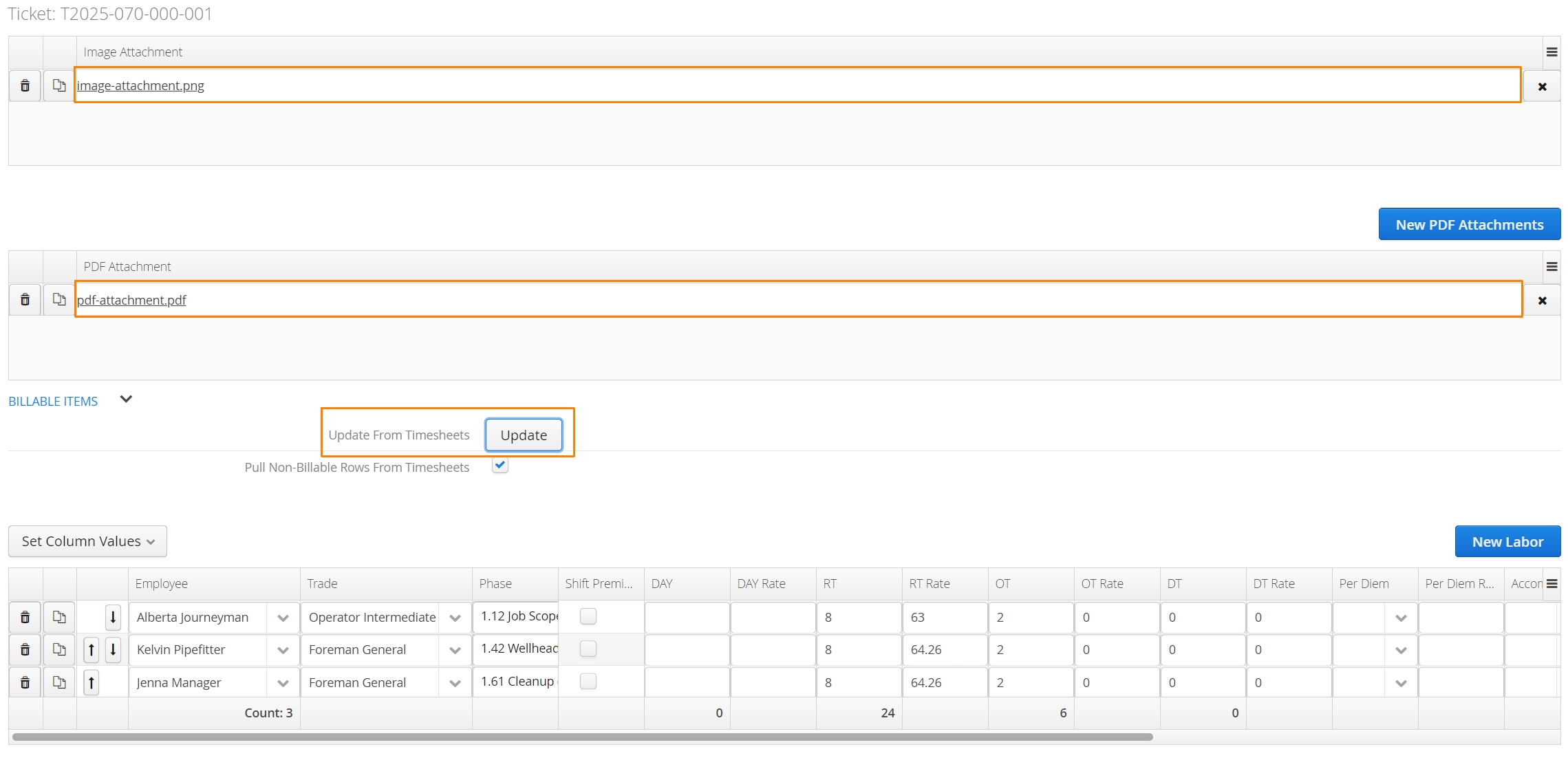
Accounts can now transfer image and PDF attachments to a Ticket when using our Time to Ticket feature. When users are uploading attachments to a Timesheet, they’ll have the option to declare whether those attachments should transfer to a Ticket by clicking the Carry to Ticket checkbox.
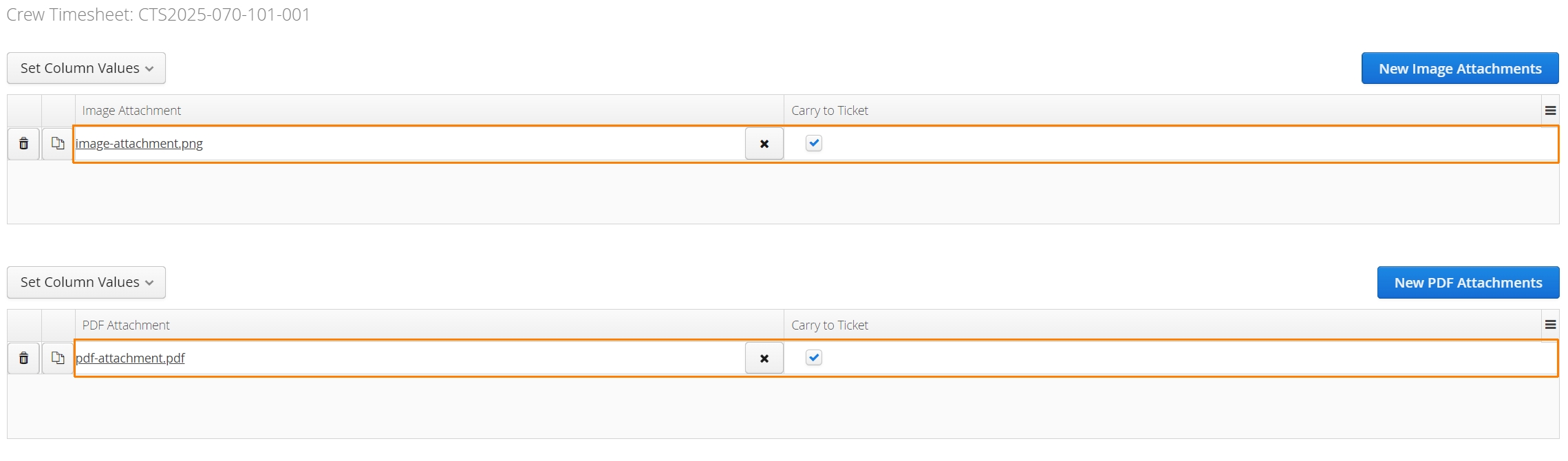
When users click the Update from Timesheets button during the creation of a Ticket, both the hours and attachments will be brought over from any linked Timesheets.