What’s new in version 24.24
Accounts using the WBS Budgeting tab now have a convenient way to manage the rates and contract values of their projects.
Questions about our latest updates? Get in touch with our support team.
WBS
Aimsio Ultimate customers that are using our WBS Budgeting Tab feature to build bids and manage changes of their projects will find a new button located to the right the WBS Configuration menu.
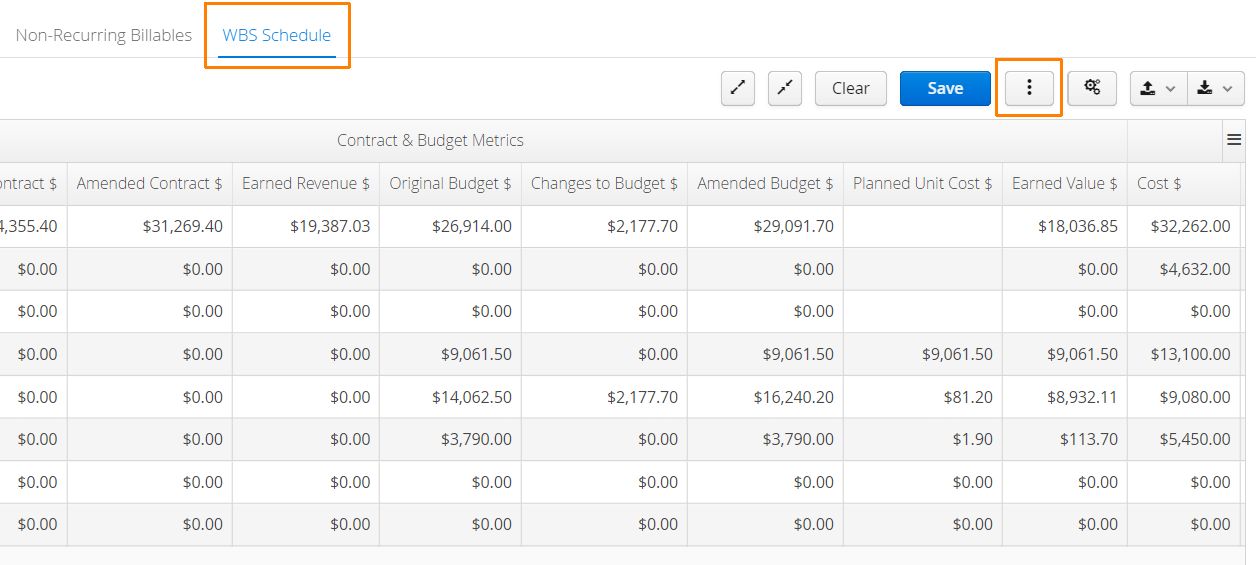
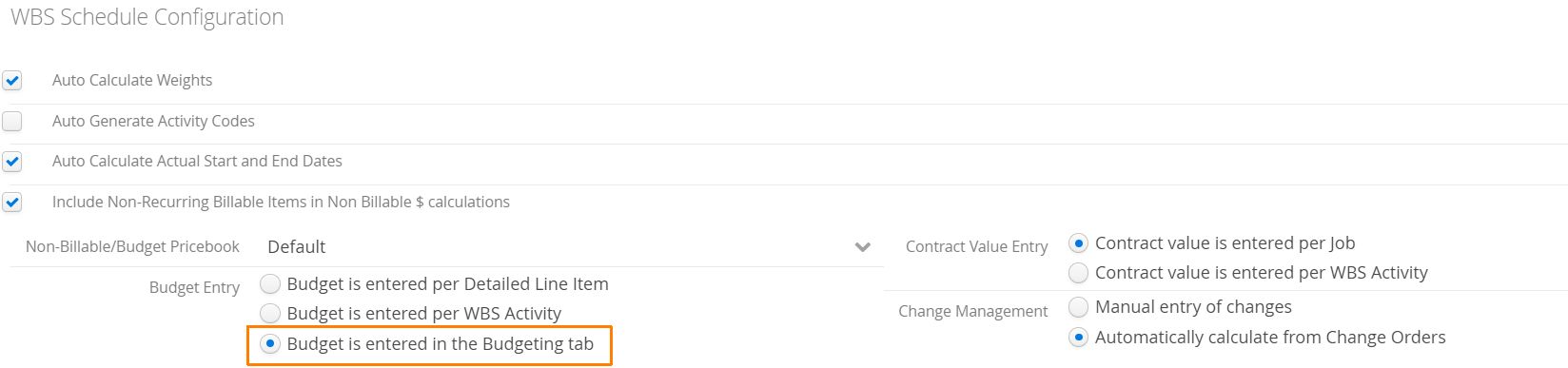
The button will only appear if the Job’s WBS Configuration is setup to use the Budgeting Tab.
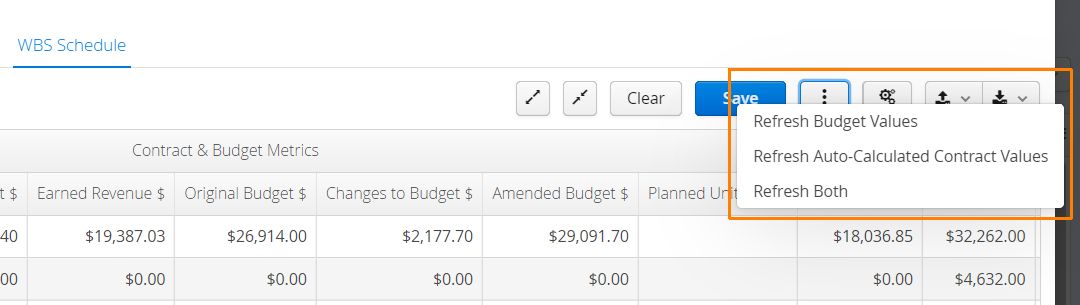
This menu provides accounts with the ability to quickly update the Budget Rates used to compile the original bid, if their rates have changed in the Price Book for that Job. Accounts can also leverage the updated rates to recalculate the Original Contract Value for the project.
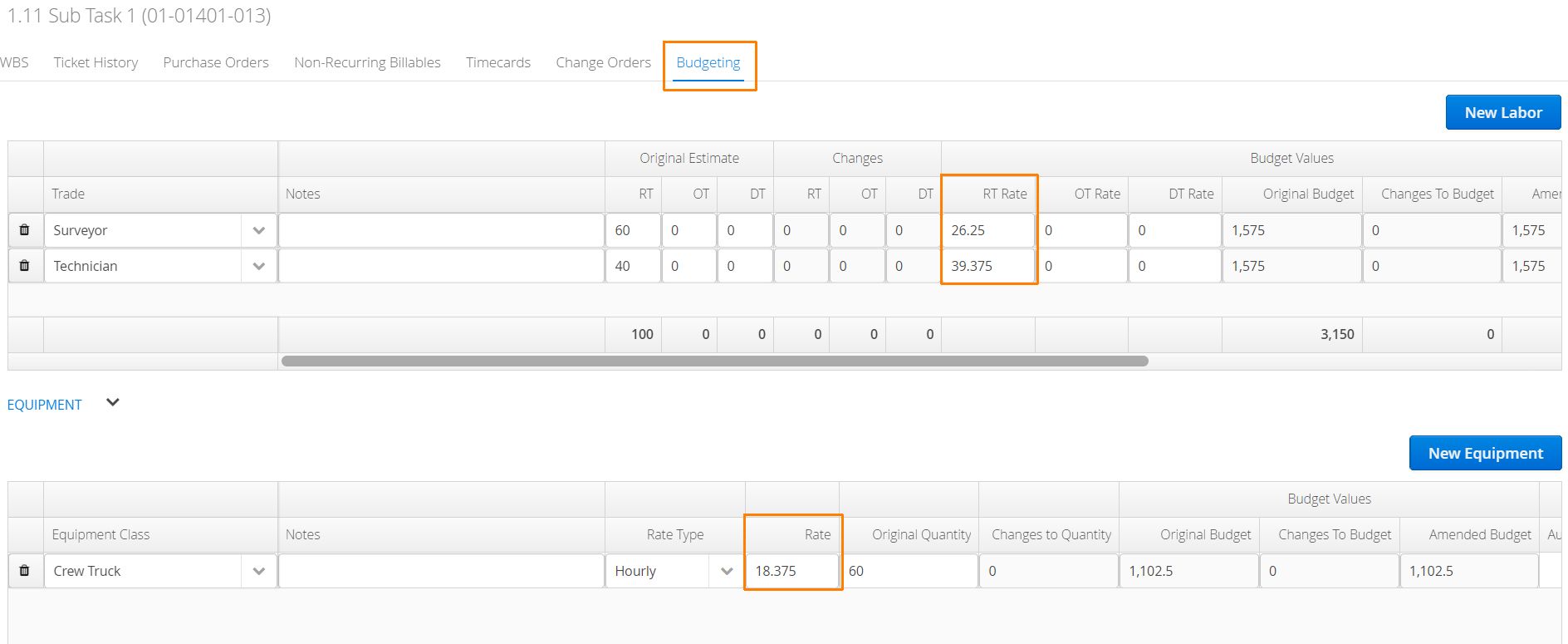
When a bid is compiled in Aimsio, a Billable Item’s ‘Budget Rate’ is used to calculate the planned budget for the project.
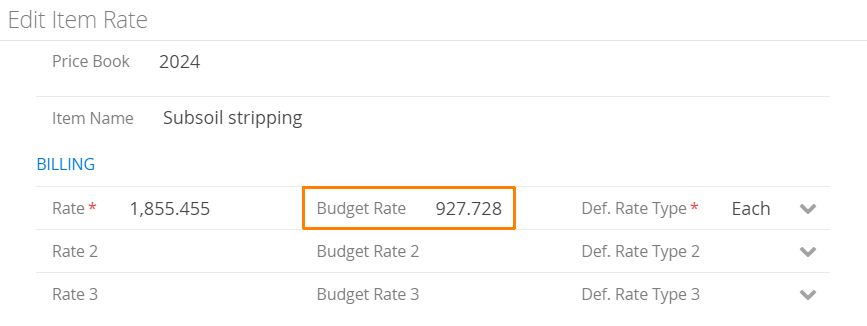
Prior to today’s update, accounts would have to manually adjust each line of their original budget if a change was made to the Price Book rate.