What’s new in version 23.20
Form PDF
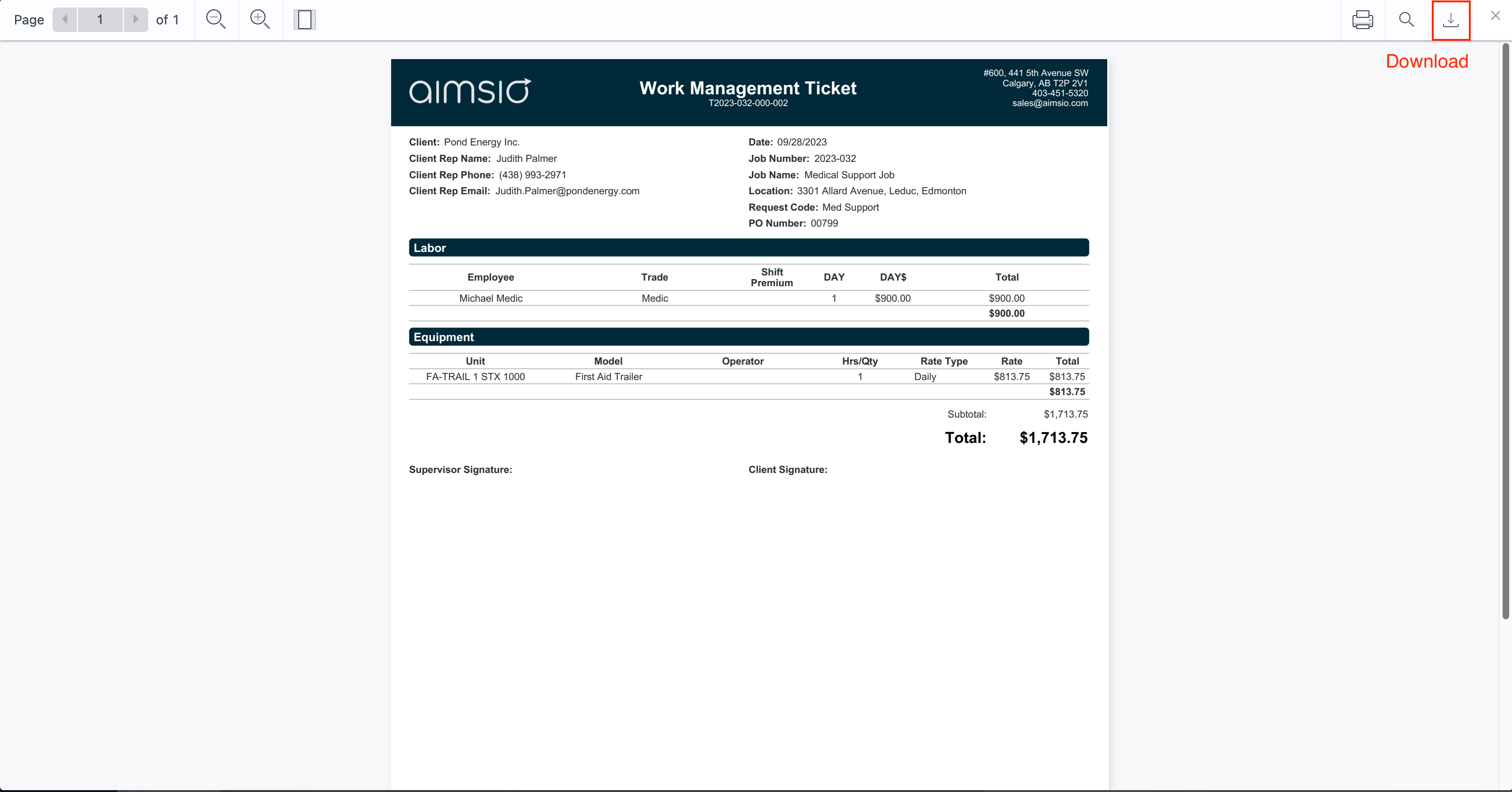
We made a couple of improvements in how form PDFs are viewed in our Web app, to make it more consistent with our mobile apps. Previously, when you generated a PDF, the window would close and you had to download the generated PDF from the listing page. This is in contrast to our mobile apps, where you can review the PDF while editing the form.
As a result, we made the following improvements:
- NEW Feature (PDF Preview): you can now get a PDF preview of the data in your form without the need to save and submit the form. Previously, you could only do this on mobile when working on a form.

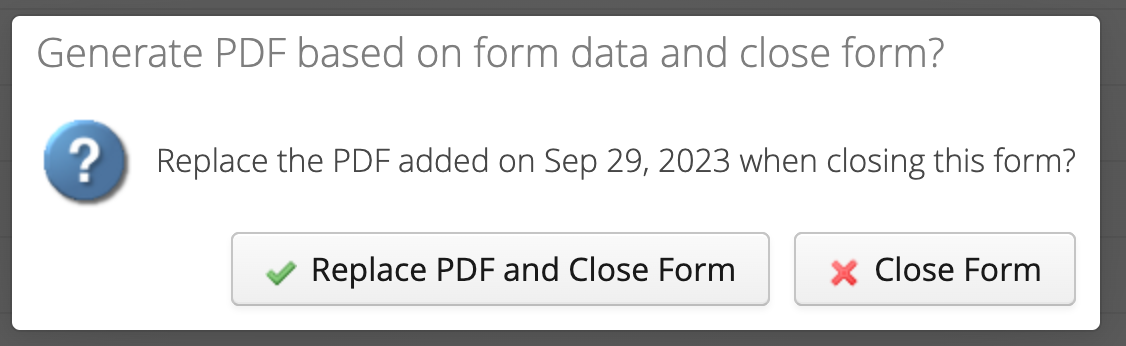
- Improvement: When you Save & Close a form, the system prompts you for the PDF generation if the form is already Closed. You will be notified if there is already a PDF for this form and if you want to replace it or only want to save the data without re-generating the PDF.
- Viewing the PDF after it is generated: after the PDF is generated, we now show it in a window so that it can be downloaded right away. If you close the window, you will go back to the listing page.