What’s new in version 24.16
We’ve introduced a new sidebar for web users and made enhancements to our QuickBooks Online integration. Read on for details.
Navigation
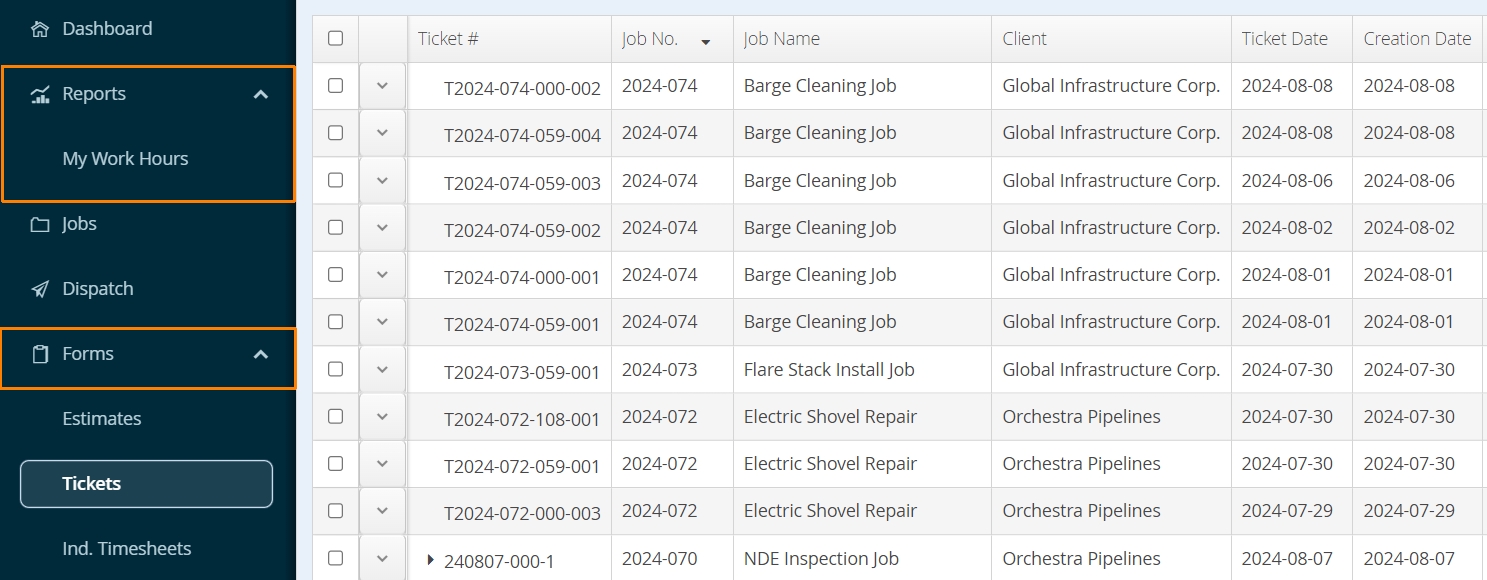
Accounts may notice a new look to their Aimsio sidebar. There are practical benefits for this change too. Groupings for Reports, Forms, and user-controlled Settings help set the stage for new features on our roadmap.
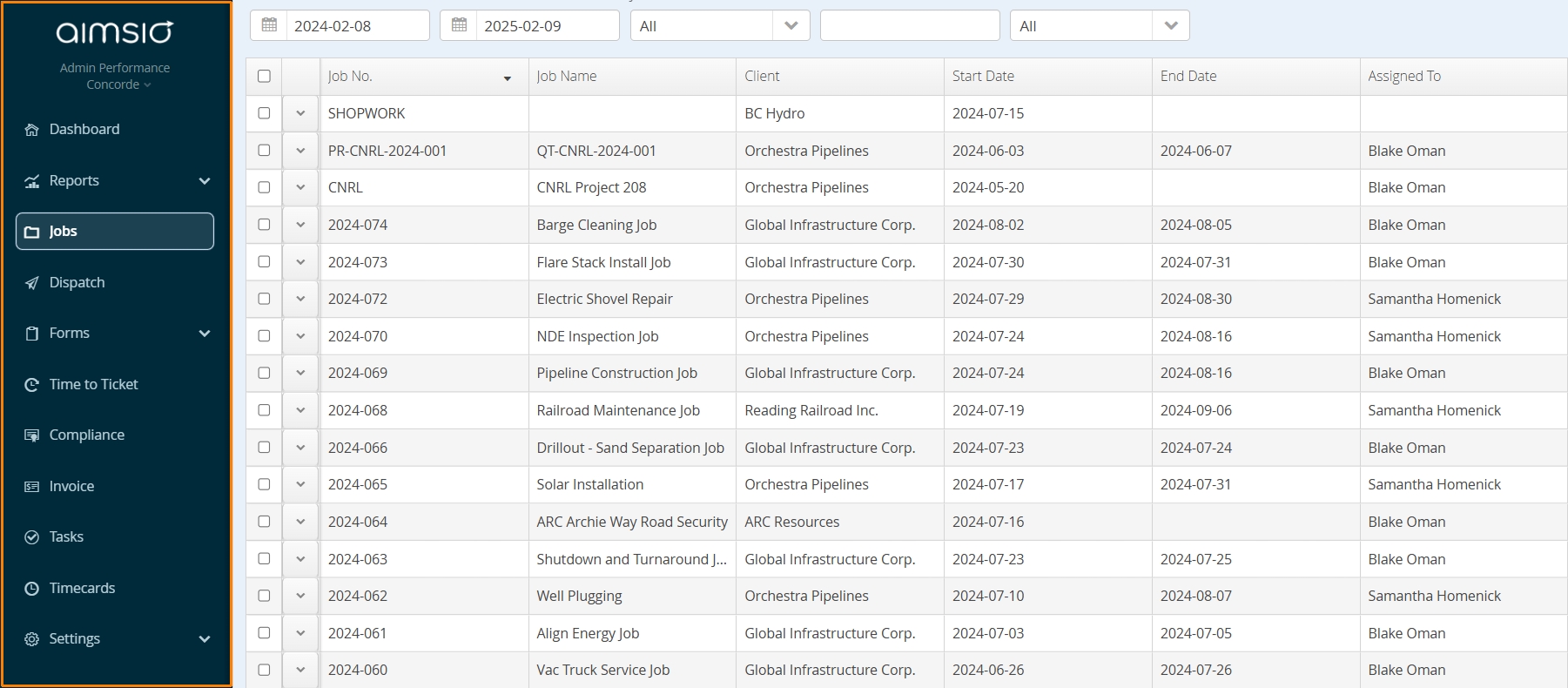
Users tight on screen space can collapse the new sidebar too. Click the arrow located on the top right of the sidebar.
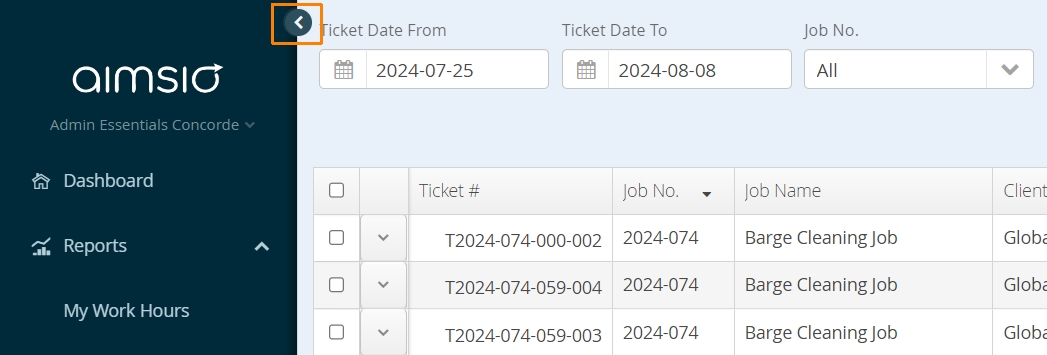
Click the same button again to bring it back into view…
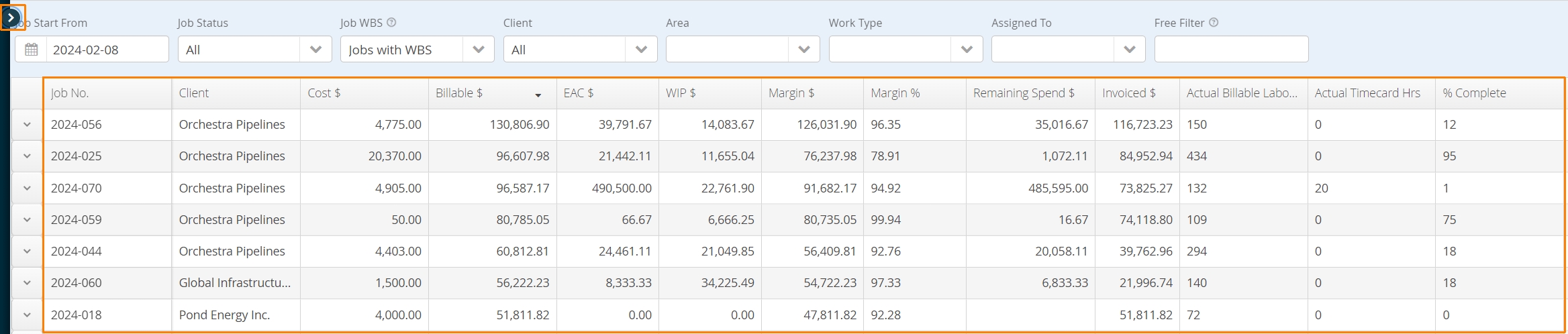
or, hover the mouse on the far left-hand side of the page to pop the sidebar out.
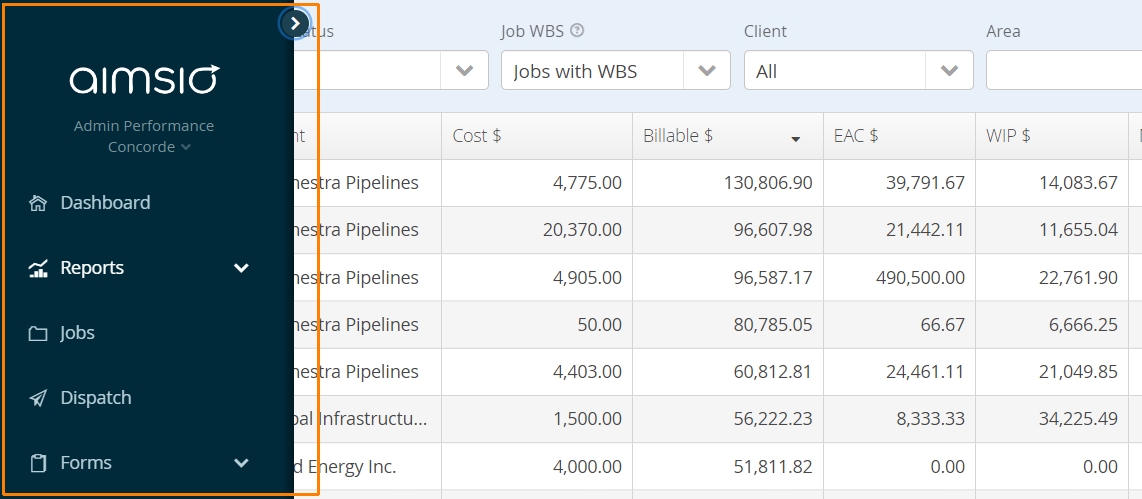
Groups expand or collapse with a click. Aimsio will remember if you leave them open the next time you log in.
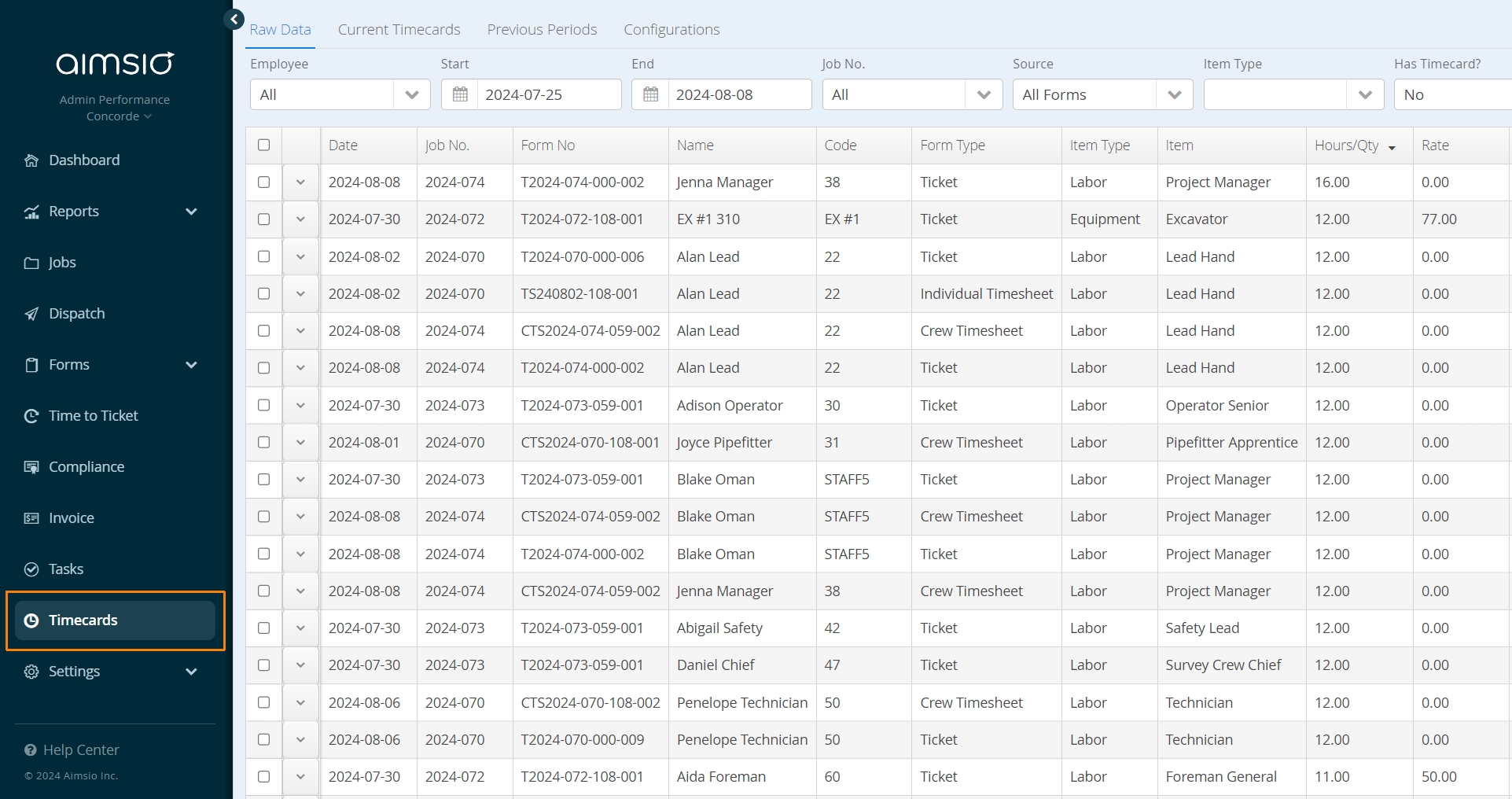
Accounts that have been using Aimsio to gather hours for payroll, will find their data on the Timecards page. Aimsio supports hours and cost tracking via ‘Timecards’ for other Billable Items, like your company-owned Equipment. This activity does not always fall under payroll, so we’ve taken your feedback to make this end of our platform more consistent.
QuickBooks Online
Click here to learn more about our QuickBooks Online integration.
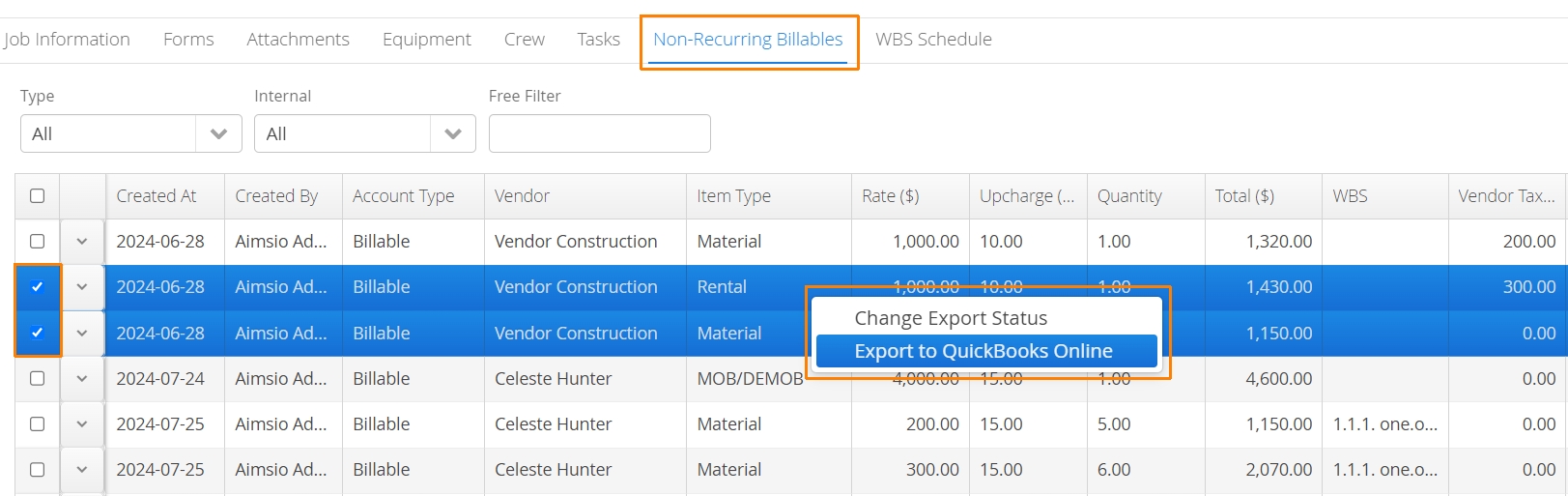
We now support the export of Purchase Orders and NRBs (Non-Recurring Billable Items) directly to your QuickBooks Online account.
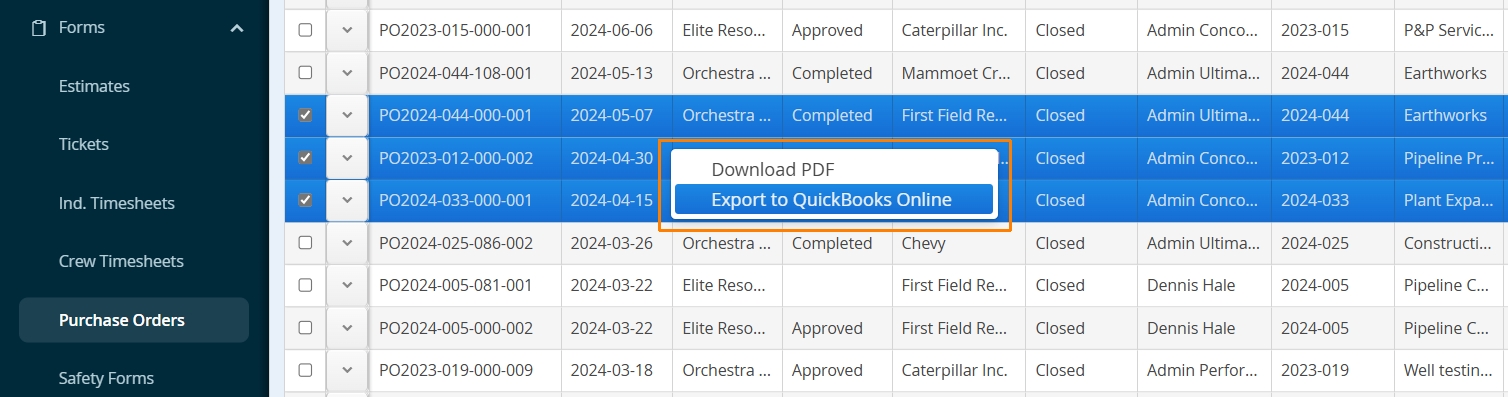
Create a Purchase Order in Aimsio, send it to QuickBooks Online and forward it on to your supplier. Once items on your Purchase Order are received in Aimsio, export the NRBs back to QuickBooks Online as a Bill.
Accounts requiring this functionality can reach out to our support team to get this enabled.