What’s new in version 24.06
We’ve made it easier to transfer WBS budgeting values from one Job to another. Android users also get an easy way to copy their Job-related information to clipboard.
WBS
Users that are using Aimsio to prepare bids using our enhanced budgeting features will be happy to know that information can now be carried over to another Job.
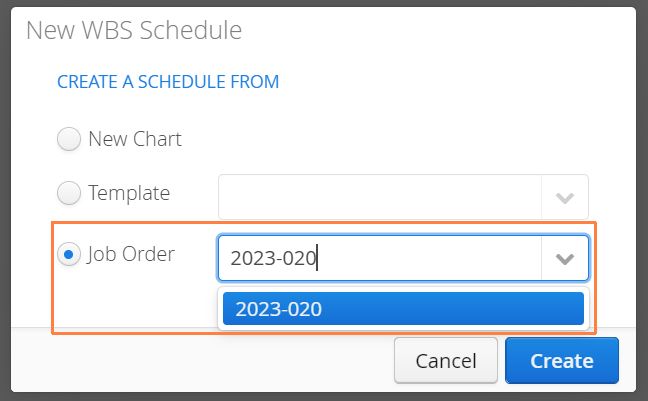
When creating a new WBS Schedule for any Job, select the Job Order option and choose a Job that contains the budgeting and structure you’d like to copy over.
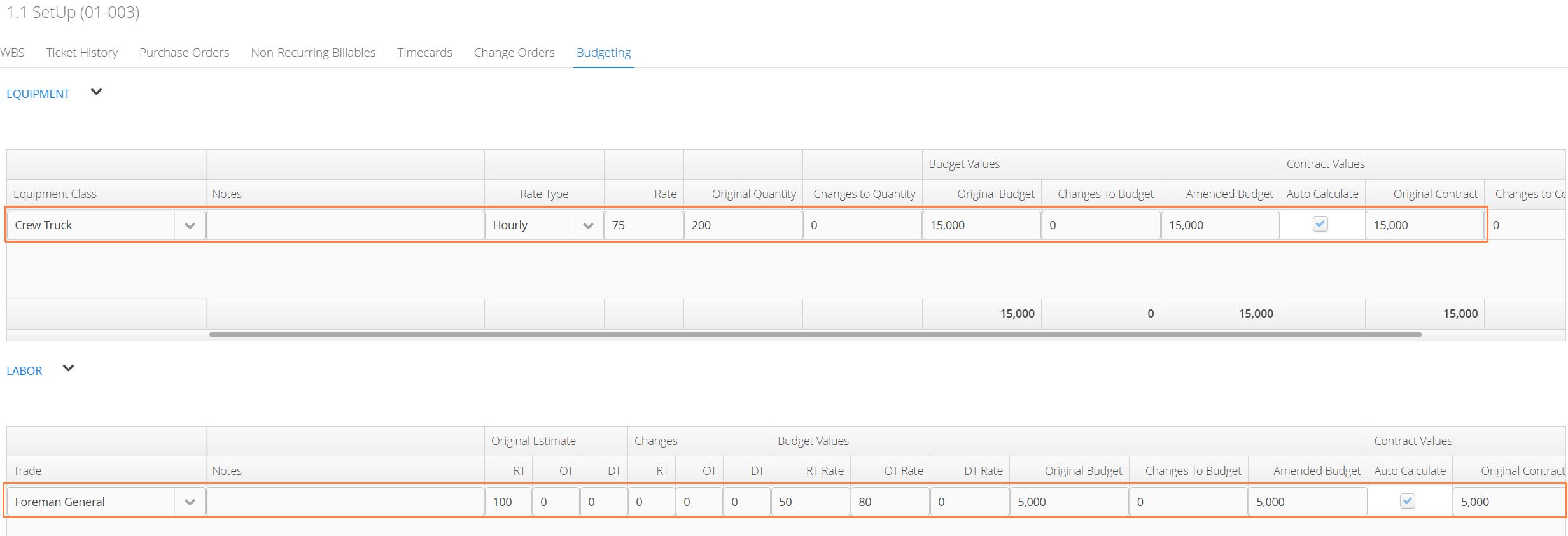
In the Budgeting Tab, information from the previous Job (minus any Change Order-related information) will be present on the new Job.
Android
Android users can now long-press to copy information on their Job screens to the clipboard. Copied information can be quickly pasted into an external application (like an email, document or any messaging service).