What’s new in version 25.17
Starting this week, accounts can manually declare a Price Book item’s ‘Charge Type’. We’ve also deployed a handful of fixes behind the scenes to improve stability and performance.
Questions about our latest updates? Contact our support team.
Price Books
A new feature for Price Books is available that allows the ‘Charge Type’ of an item to be declared in advance. This option is located under the ‘Charge Type Override’ section when adding or editing a Price Book item.
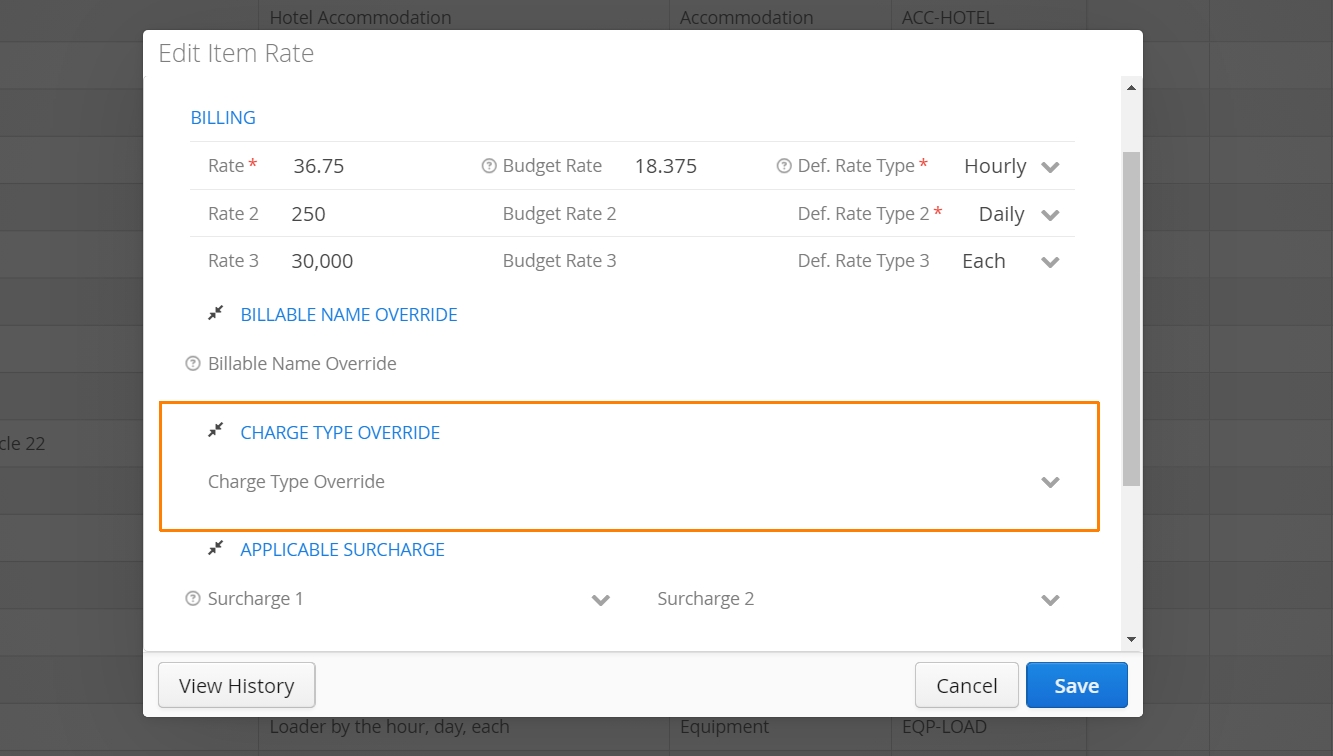
Accounts can force the Charge Type of an item to always be Billable or Non-Billable when added to a form.
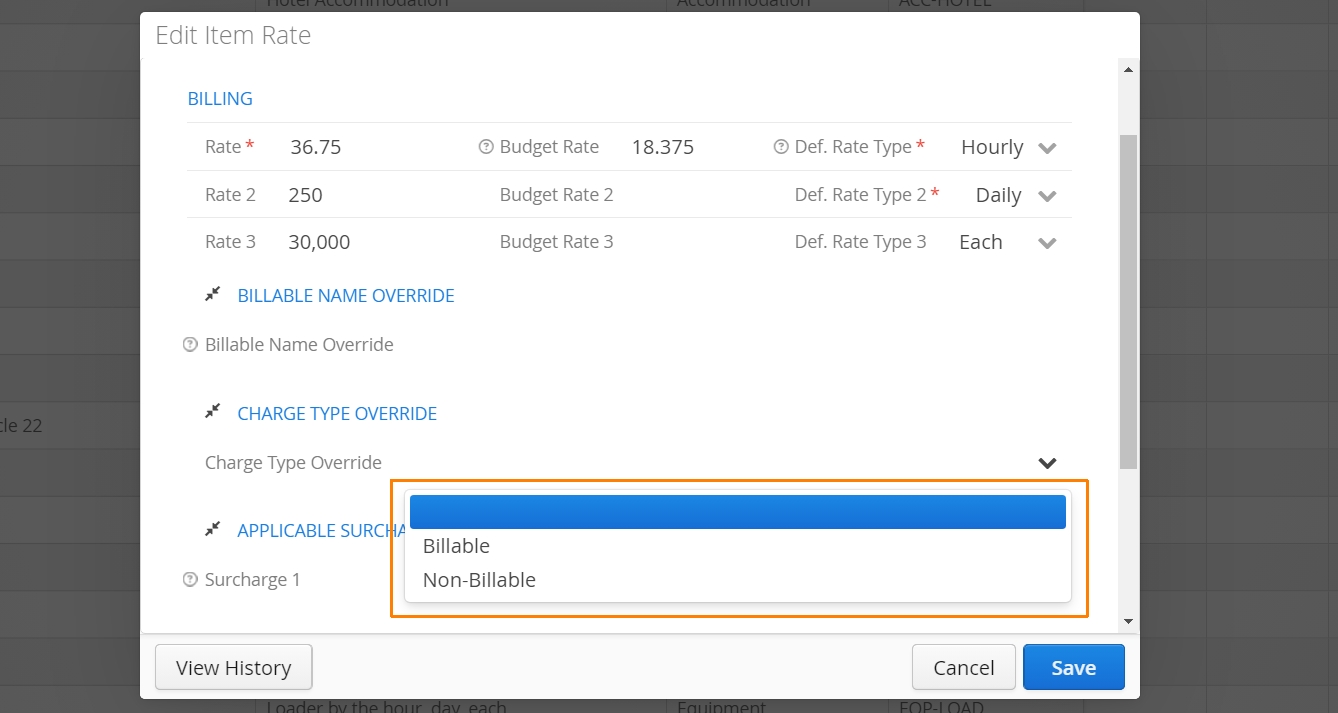
Interested in this feature? Please get in touch with our support team!
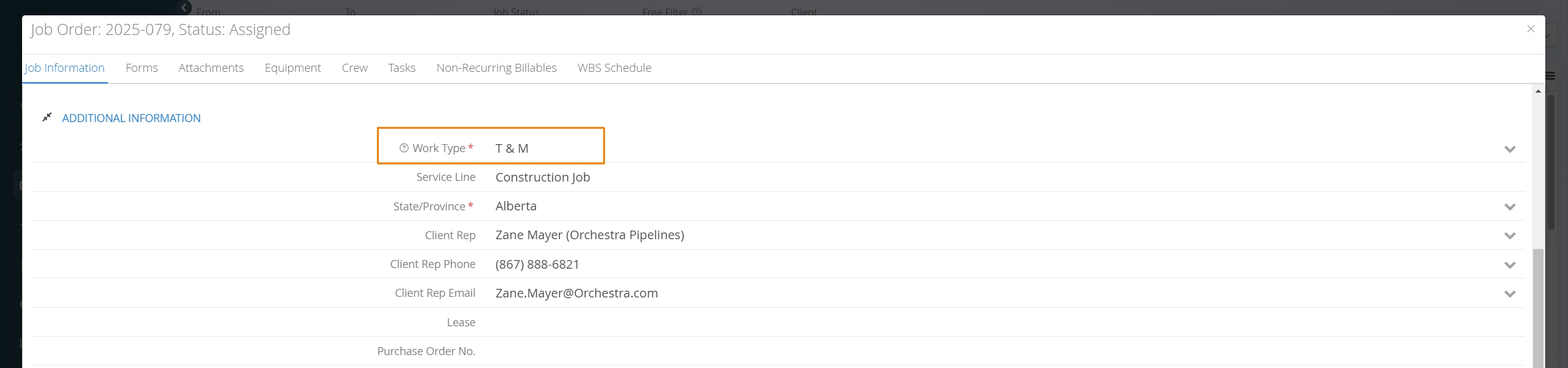
By default, Aimsio will use a Job’s Work Type (T&M or Lump Sum) to determine whether certain items appear as Billable or Non-billable on forms. This will continue to be the case, unless otherwise stated on the Price Book.