What’s new in version 24.23
We’re giving accounts more control over how they complete and organize their data on forms as well as the ability to limit daily allowances (e.g. LOA, Per Diems, Subsistence) in their Timecards configuration.
Questions about our latest updates? Get in touch with our support team.
Forms
The order in which data appears in a table will now be preserved each time a form is saved.
Previously, users could alter the order of their data by clicking on any column header to sort the table by that column. Sorting would be reset the next time a user opened the same form.
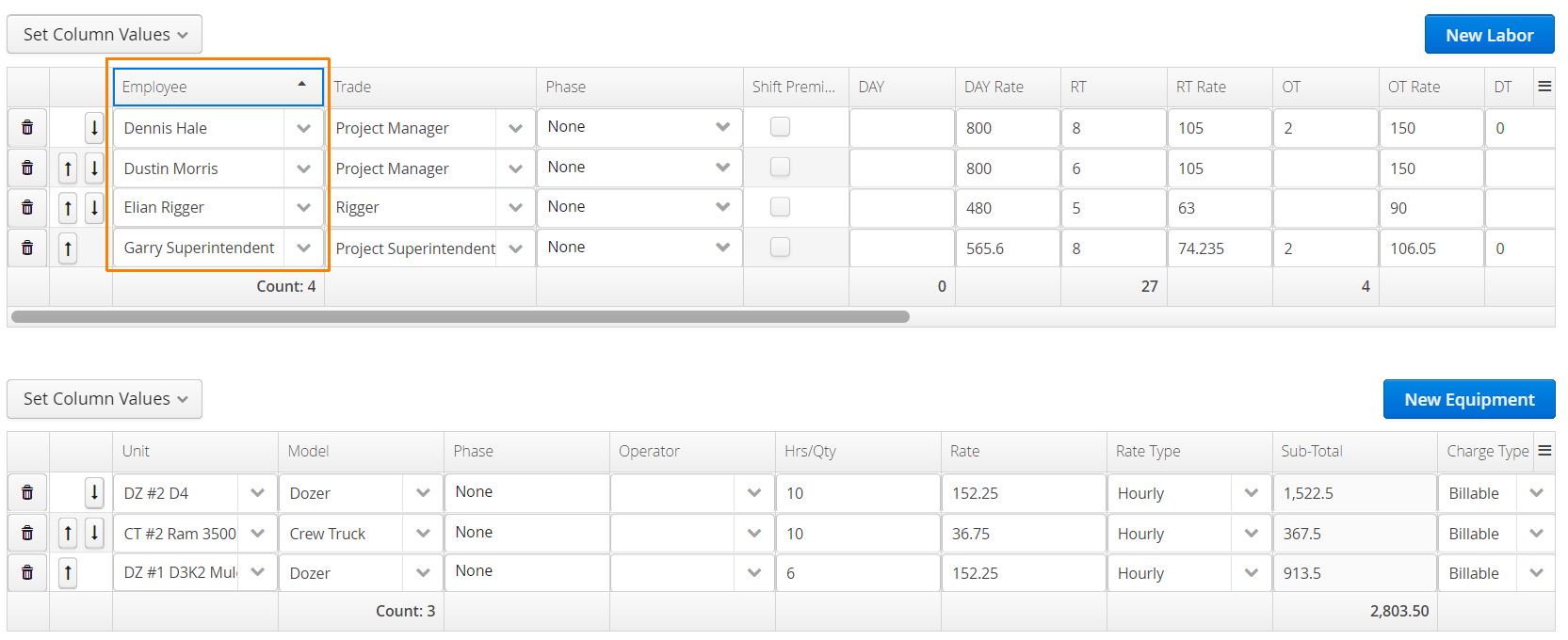
We’ve also provided actions on the left that let users manually adjust the order of specific rows.
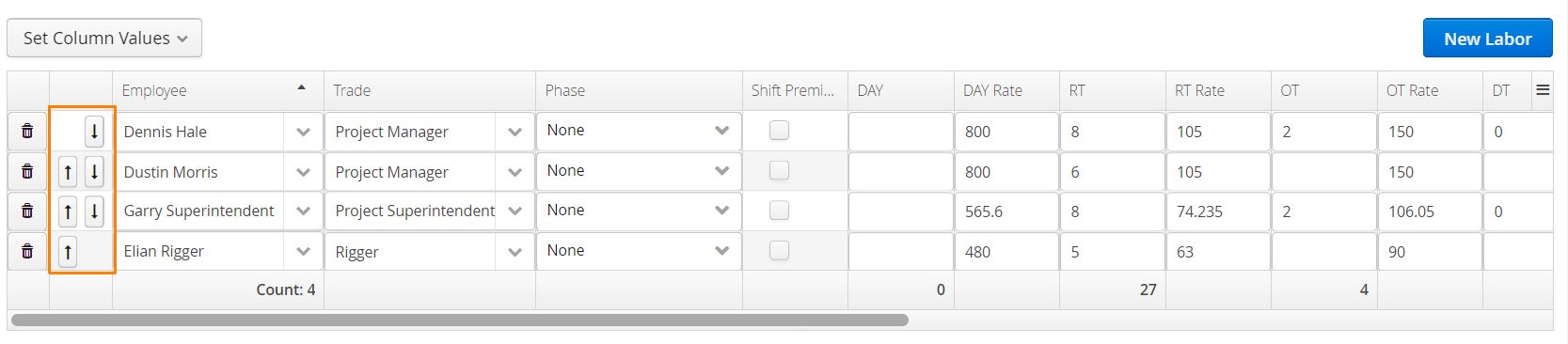
PDF versions of the form will honor the same order.
A new version of the PDF must be generated each time changes are made.
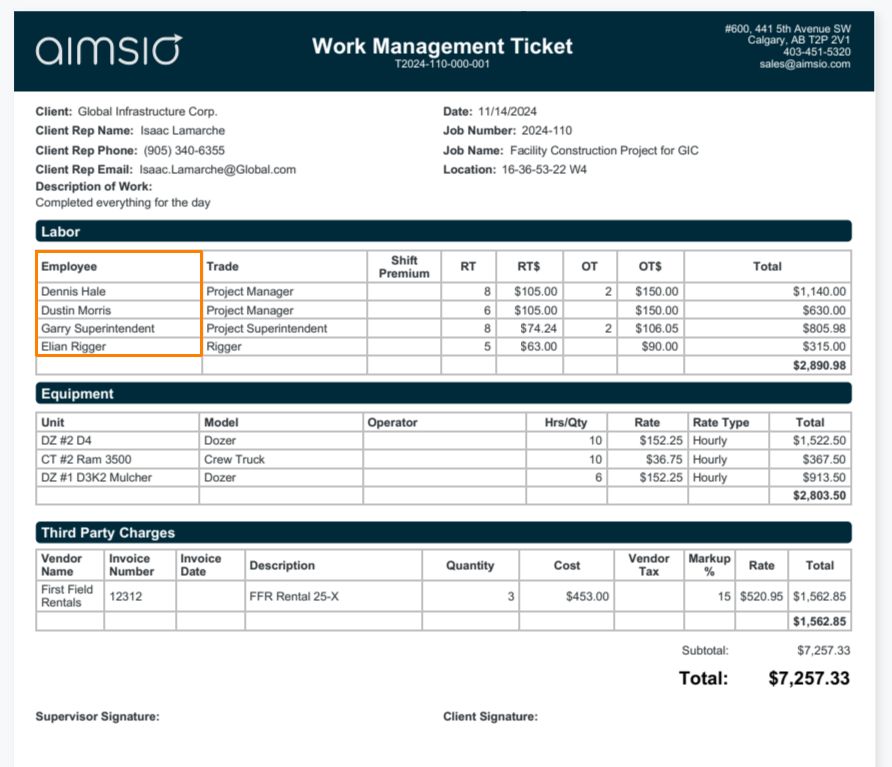
Accounts will also see a new button above each table called Set Column Values.
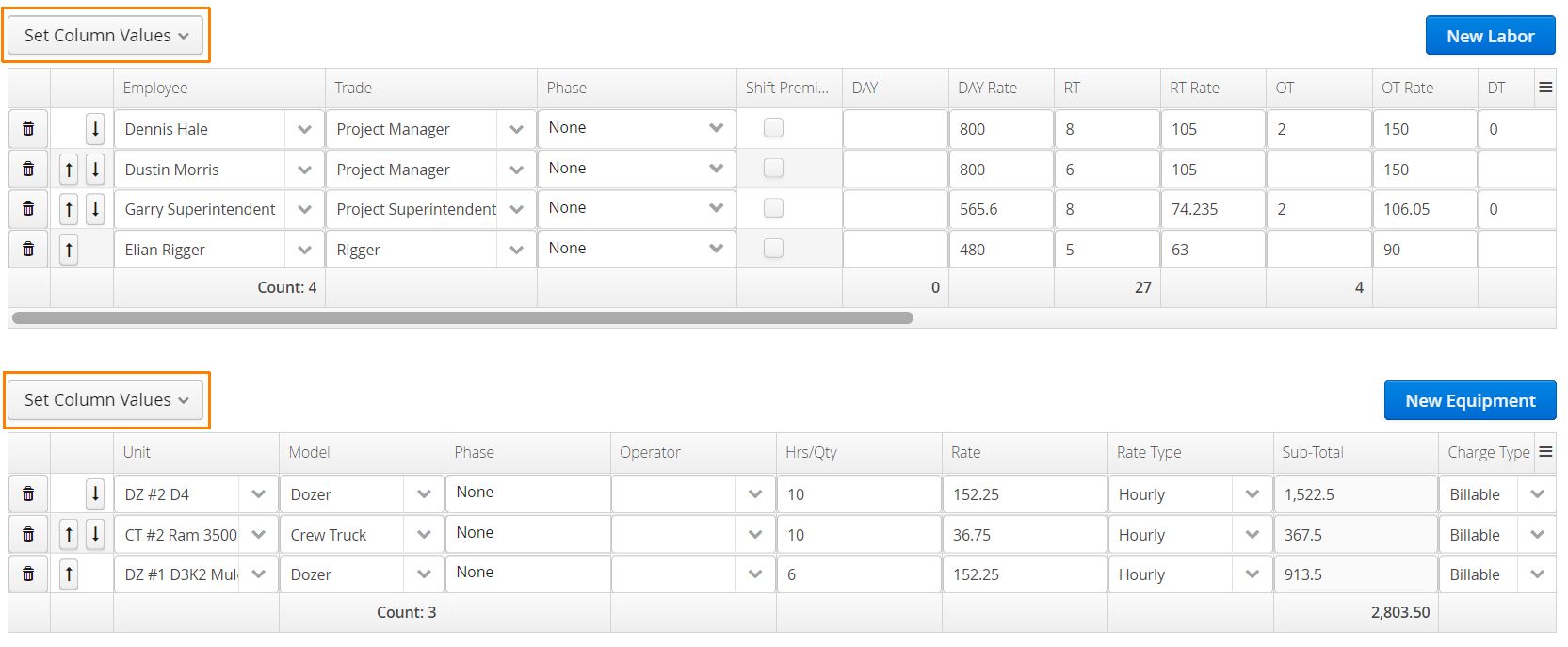
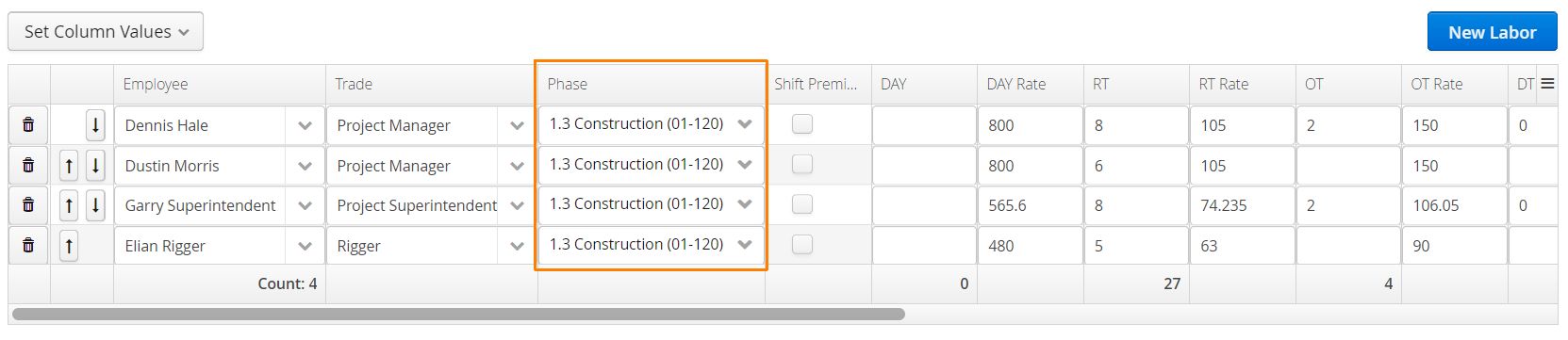
This action gives users the ability to batch-fill every row under a selected column. This can be useful for quickly inputting hours worked or attributing a specific WBS Activity (Phase) to each row.
Clicking on the Set Column Values button will present every column visible in the current table. Select any column.
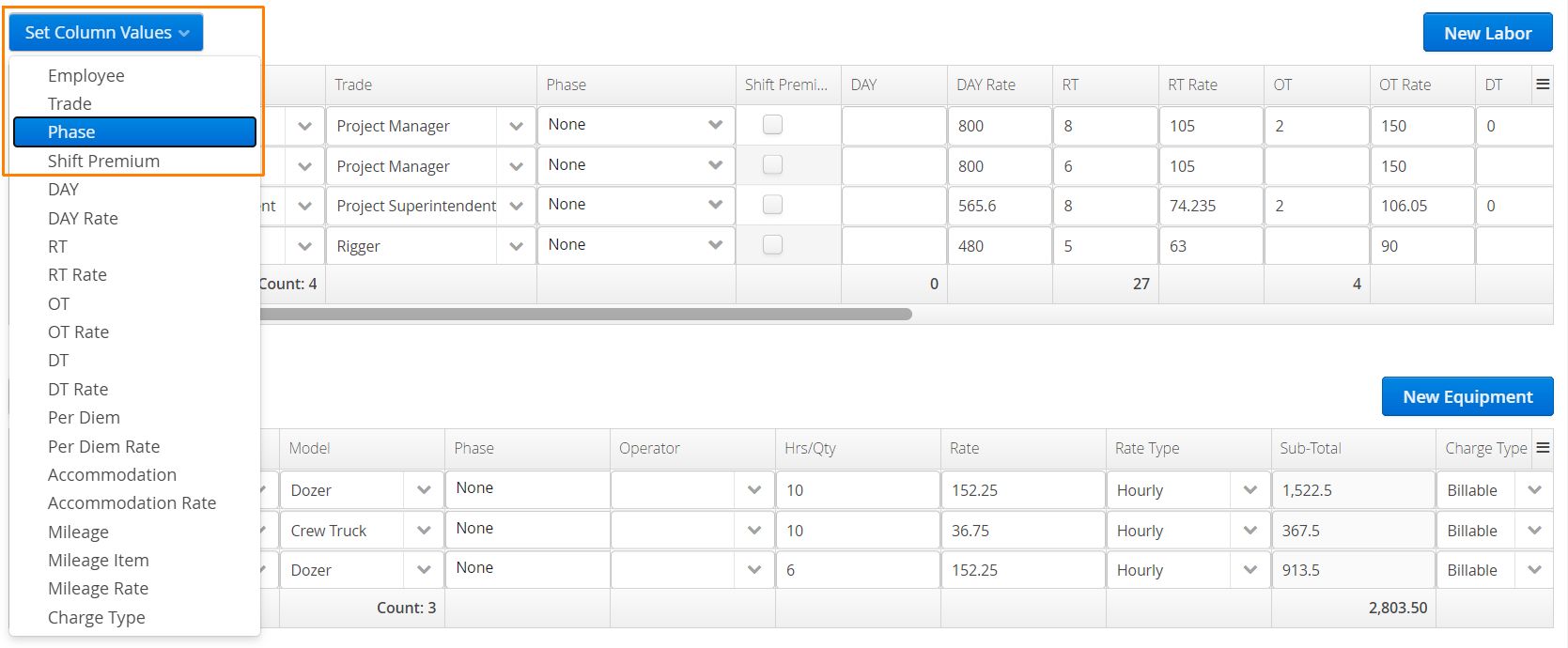
A window will open allowing users to input the value for that column.
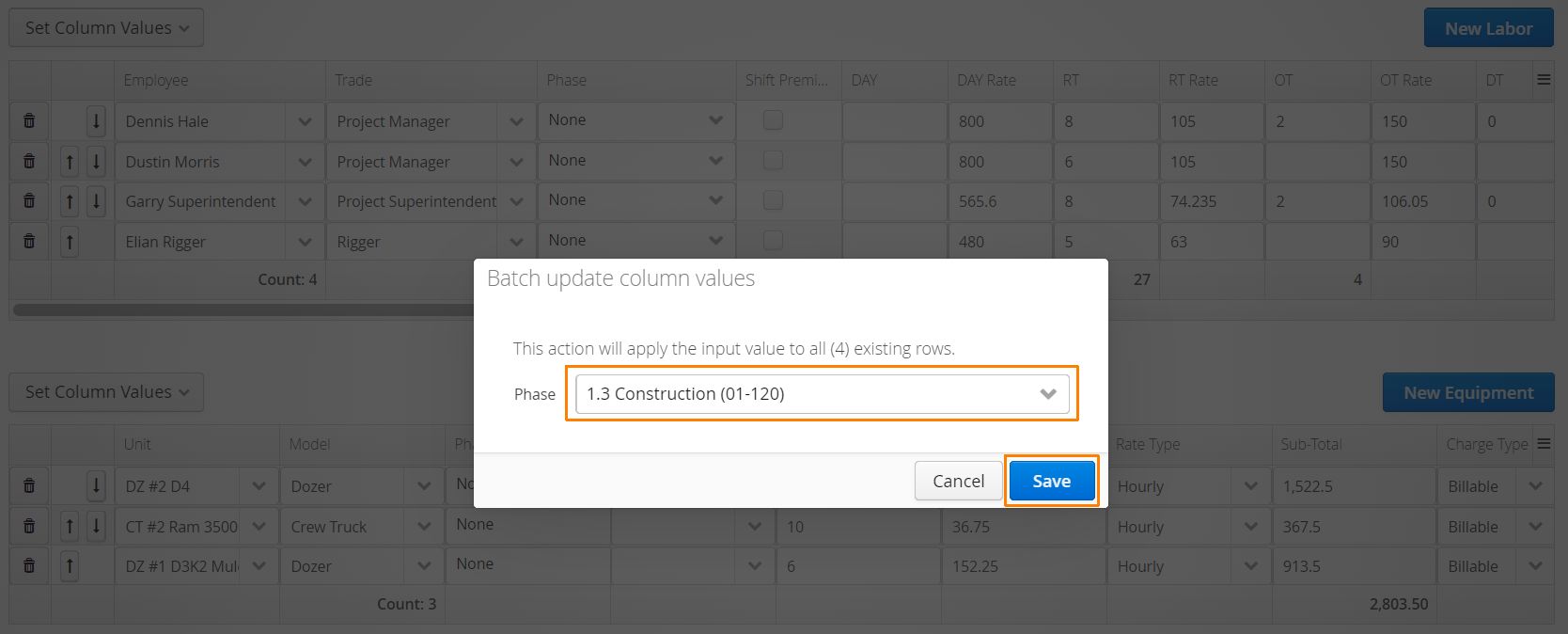
After clicking save, every row in that column will store the selected value.
These features are currently only available for the web version of Aimsio. Stay tuned for future updates on iOS and Android.
Timecards
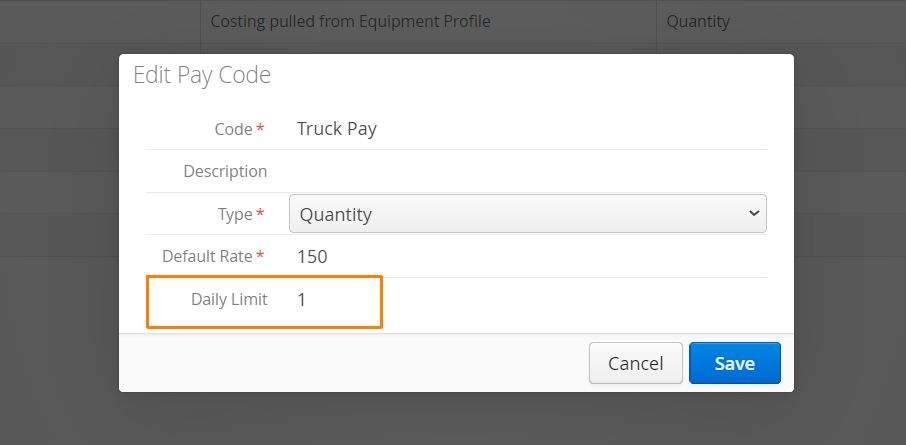
In Aimsio, we use Pay Codes to manage flat rate allowances (like Per Diems or Truck Pay) owed to Employees during a pay period.
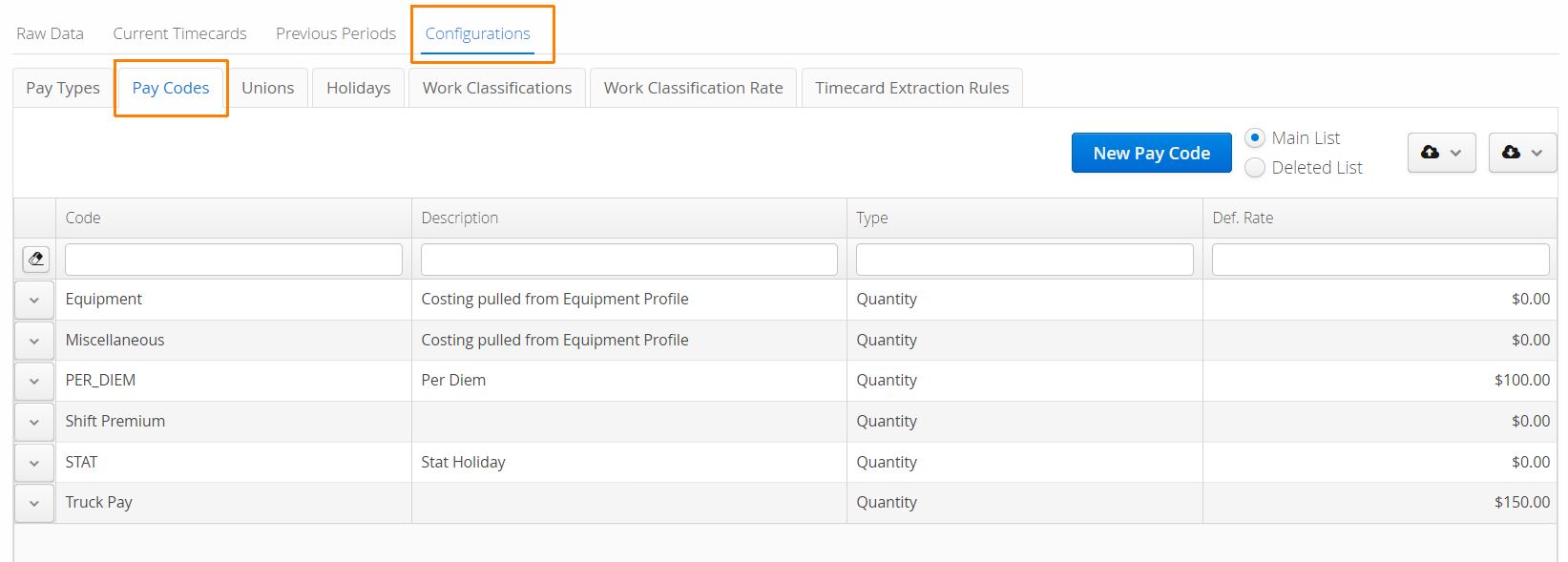
To prevent overpaying Employees, we now provide accounts the ability to limit the number of allowances that can be given per day using the Daily Limit field.
We encourage accounts to reach out to our support team before making any changes to their Timecards configuration.